1
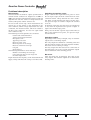
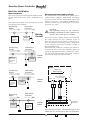
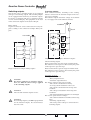
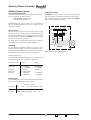
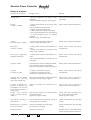
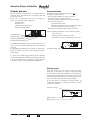
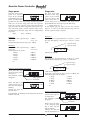
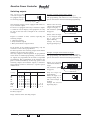
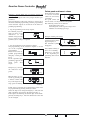
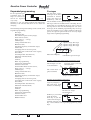
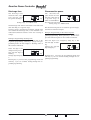
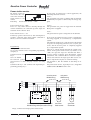
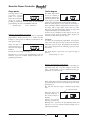
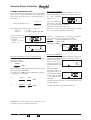
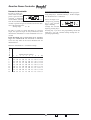
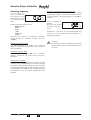
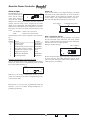
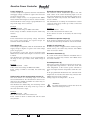
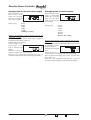
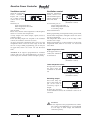
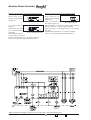
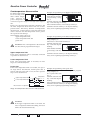
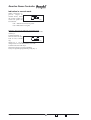
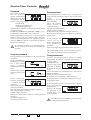
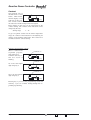
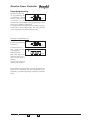
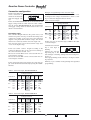
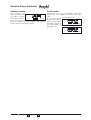
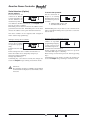
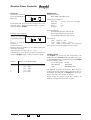
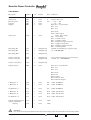
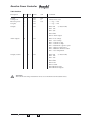
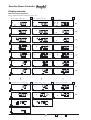
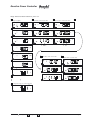
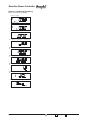
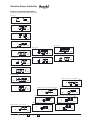
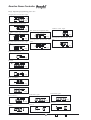
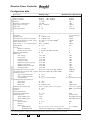
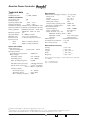
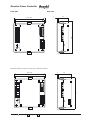
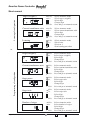
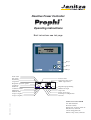
Reactive Power Controller Serial interface (Option) Device address If several devices are connected via RS485, a master (PC/PLC) can tell the difference between them by their device addresses. Within one network, each Prophi must have its own device address. If Profibus protocol has been chosen, the address can be given between 0 and 126. If Modbus protocol has been chosen, the address can be given between 0 and 255. Transmission protocol For the connection of Prophi to an existing field bus system are two transmission protocols available: 0 - Modbus RTU (Slave) and 1 - Profibus DP V0 (Slave) . With Modbus protocol you have access to the data from table 1 and with Profibus protocol you have access to the data of table 2. The device address can be requested and changed in menu "advanced programming". Example: Change device address. With key 3 you can move to device address in expanded programming. Confirm selection with key 1. In this example the device address is indicated as 1. Select the number to be changed by using key 2. The selected digit is flashing. Change digit with key 3. Confirming key 1 for about 2 seconds, the changes are saved and Prophi keeps working in automatic mode. Example: Select transmission protocol. Please move to device address in expanded programming using key 3. Now press key 2 for transmission protocol. Confirm selection with key 1. In this example the transmission protocol is protocol 1=Profibus DP. Digit 1 is flashing. Please change over between protocol 1 and 2 by pressing key 3. Confirming key 1 for about 2 seconds, the changes are saved and Prophi keeps working in automatic mode. Attention! If a switching frequency of 50Hz is programmed for the transistor outputs, the serial interface does not work! Page 44 = Key 1 = Key 2 = Key 3