1
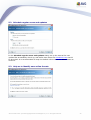
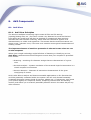
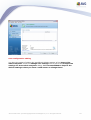
4.2. License Agreement
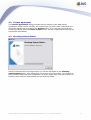
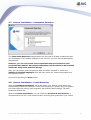
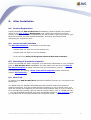
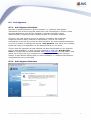
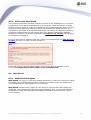
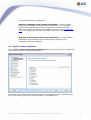
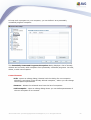
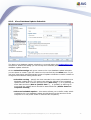
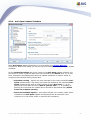
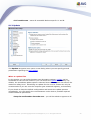
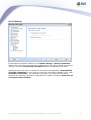
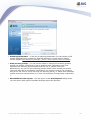
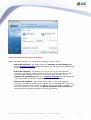
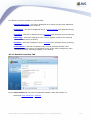
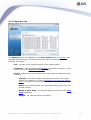
The License Agreement dialog provides the full wording of the AVG license
agreement. Please read it carefully and confirm that you have read, understood and
accept the agreement by pressing the Accept button. If you do not agree with the
license agreement press the Don't accept button, and the installation process will be
terminated immediately.
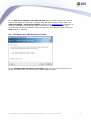
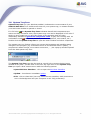
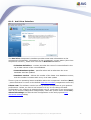
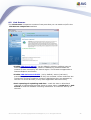
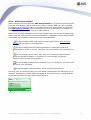
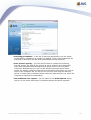
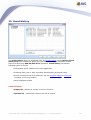
4.3. Checking System Status
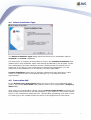
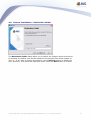
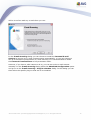
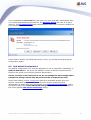
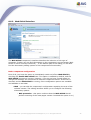
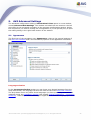
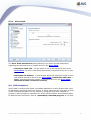
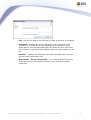
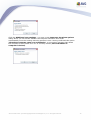
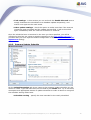
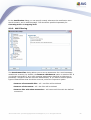
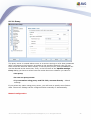
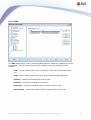
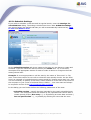
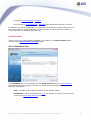
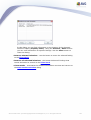
Having confirmed the license agreement you will be redirected to the Checking
System Status dialog. This dialog does not require any intervention; your system is
being checked before the AVG installation can start. Please wait until the process has
finished, then continue automatically to the following dialog.
AVG 8.0 Anti-Virus © 2008 Copyright AVG Technologies CZ, s.r.o. All rights reserved.
10