1
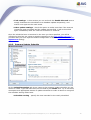
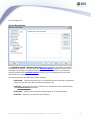
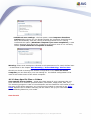
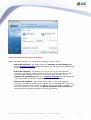
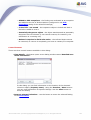
· removed virus infections / spyware
· the number of virus infections / spyware that cannot be removed or healed
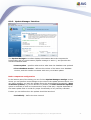
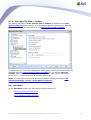
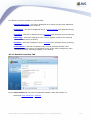
In addition you will find information on the date and exact time of the scan launch, on
the total number of scanned objects, on the scanning duration and the number of
errors that have occurred during scanning.
Control buttons
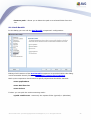
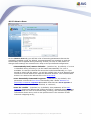
There is only one control button available in this dialog. The Close results button
returns to the Scan results overview dialog.
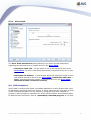
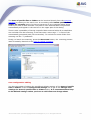
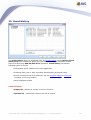
10.7.2.Infections Tab
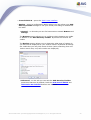
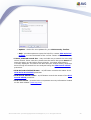
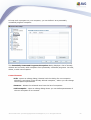
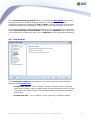
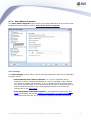
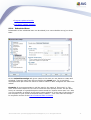
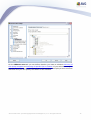
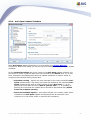
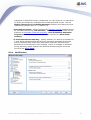
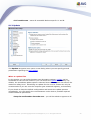
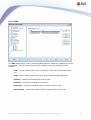
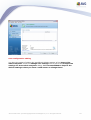
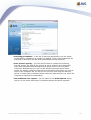
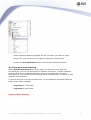
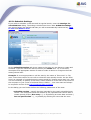
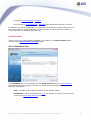
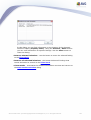
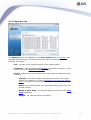
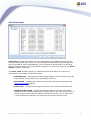
The Infections tab is only displayed in the Scan results dialog if a virus infection
was detected during scanning. The tab is divided into three sections providing the
following information:
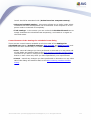
· File - full path to the original location of the infected object
· Infections - name of the detected virus (for details on specific viruses please
consult the Virus Encyclopedia online)
AVG 8.0 Anti-Virus © 2008 Copyright AVG Technologies CZ, s.r.o. All rights reserved.
120