1
Tutorial
Creating a Default Plug-in Configuration
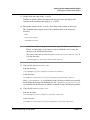
d. Click Browse... again.
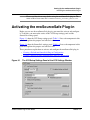
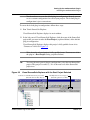
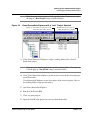
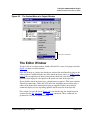
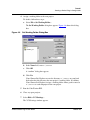
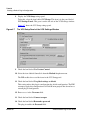
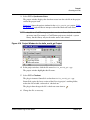
The Find Database dialog box appears. Figure 4.3 shows this dialog box.
Figure 4.3
Find Database Dialog Box
e. Use this dialog box to navigate to the directory that contains the tutorial’s
demonstration database. This directory is:
{CodeWarriorInstallDir}\CodeWarrior Manuals\
Code Examples\mwSourceSafe Plug-in User Guide\
mwss_tutorial_db
where {CodeWarriorInstallDir} is a placeholder for the path in which
you installed your CodeWarrior product.
f. Click Open
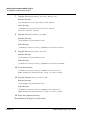
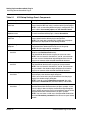
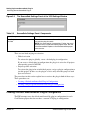
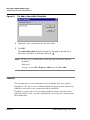
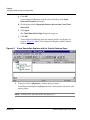
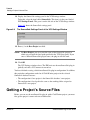
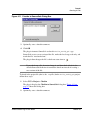
The Browse for Visual SourceSafe Database dialog box appears. Figure 4.4
shows this dialog box.
Figure 4.4
Browse for Visual SourceSafe Database Dialog Box
mwSourceSafe Plug-in User Guide
MWSS–47