1
Forwarding
your
calls to StarTalk
Flash
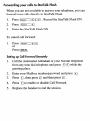
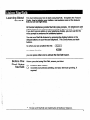
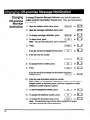
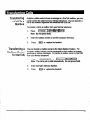
When you are not available to answer your telephone, you can
forward your calls directly to StarTalk Flash.
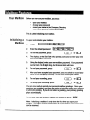
1.
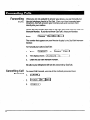
Press [Feature] lq m !Q . Record the StarTalk Flash DN.
2.
Press [FeatureI lq
3.
Enter the StarTalk Flash DN.
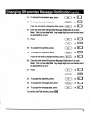
To cancel call forward:
1.
Press ~I[~~.
or
PressmNCEL
Setting
up Call
Forward
Remotely
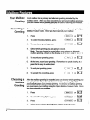
1.
Call the Automated Attendant or your Norstar telephone
from any tone dial telephone and press B m while the
greeting plays.
2.
Enter your Mailbox number/password and press a.
3.
Press q , then press q and then press a .
4.
Press q to enable or disable Call Forward.
5.
Replace the handset to end the session.