1
2. Main menu
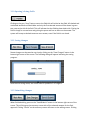
The menu page lists all articles currently present in the user’s directory. It shows the
corresponding PMID, title, file name and status. The status indicates if the article is being
processed by the extraction system (Processing), has been successfully processed by the system
(Auto Answers), has been processed with errors (Error), has been worked on by a curator (In
Progress), completely processed by a curator (Complete), or archived (Archived). The list of
articles can be sorted by any of the columns by clicking on the column name.
2.1 Filtering articles
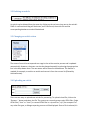
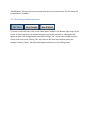
The list of articles can be filtered by the status column to reduce the size of the table. To filter
out articles, uncheck one or more of the checkboxes in the top right corner.