1
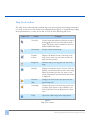
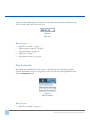
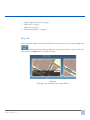
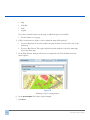
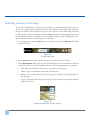
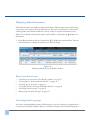
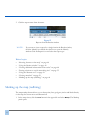
The Markup panel opens containing all tools needed to mark up the map.
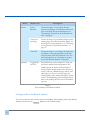
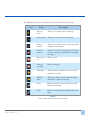
Icon
Name
Description
Select by
point
Allows you to add a point on the map
Select by line
Allows you to draw a line on the map
Select by
polyline
Allows you to click points on the map to draw
multiple connecting lines
Select by
polygon
Allows you to click several points on the map
to create a polygon (double-click to complete
the shape)
Select by circle
Draws a circle
Select by
rectangle
Draws a rectangle
Add Label
Adds the label you define to the area on the
map that you select
Add My
Point
Allows you enter a custom label and display
that label as a point on the map
Erase
Removes only the selected shapes, lines and
labels from the map
Clear
Removes all shapes, lines and labels from the
map
Table 6
Icons used to make selections on the map
Rolta OnPoint 7.5
65