1
Blue Link Solutions™
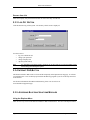
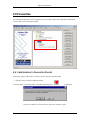
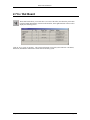
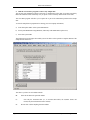
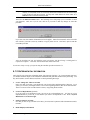
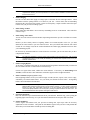
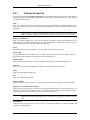
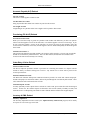
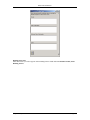
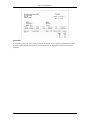
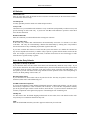
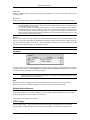
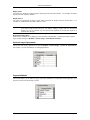
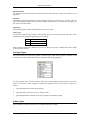
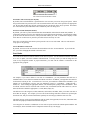
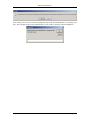
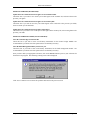
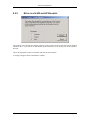
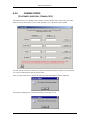
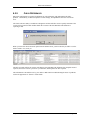
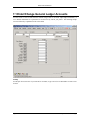
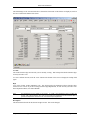
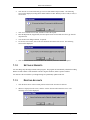
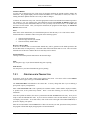
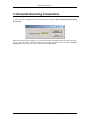
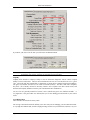
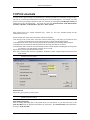
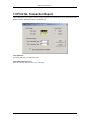
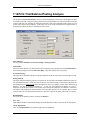
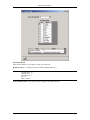
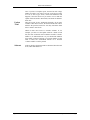
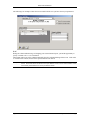
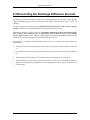
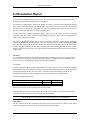
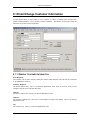
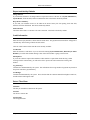
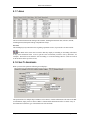
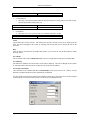
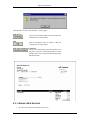
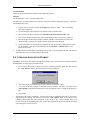
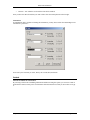
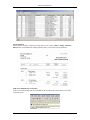
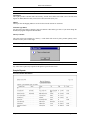
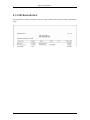
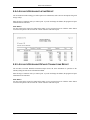
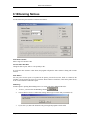
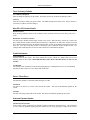
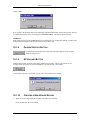
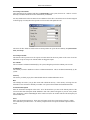
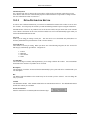
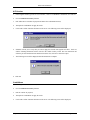
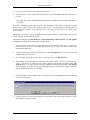
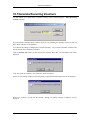
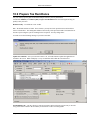
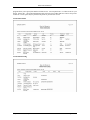
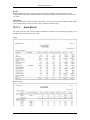
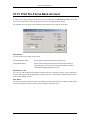
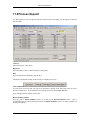
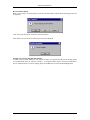
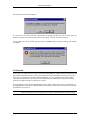
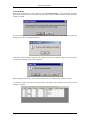
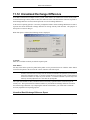
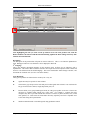
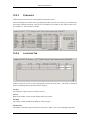
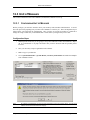
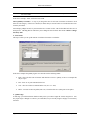
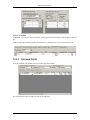
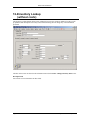
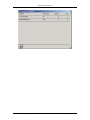
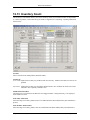
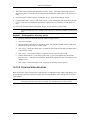
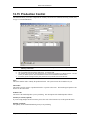
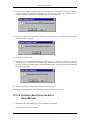
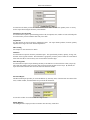
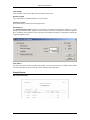
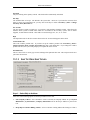
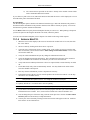
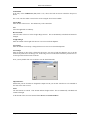
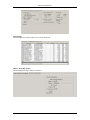
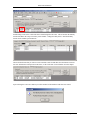
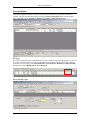
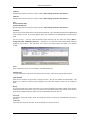
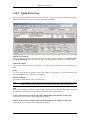
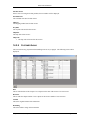
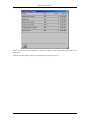
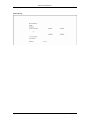
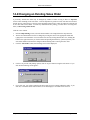
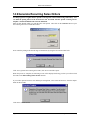
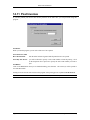
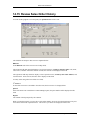
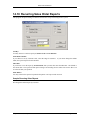
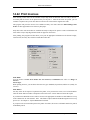
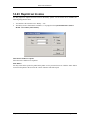
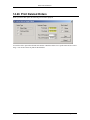
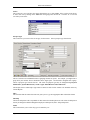
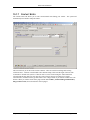
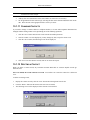
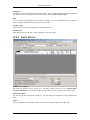
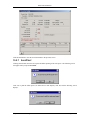
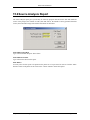
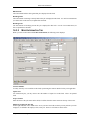
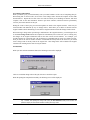
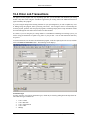
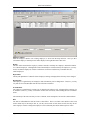
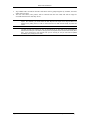
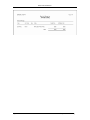
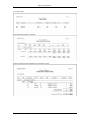
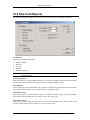
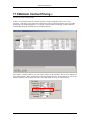
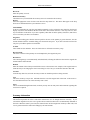
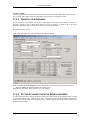
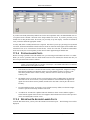
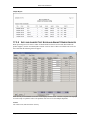
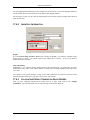
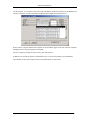
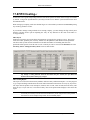
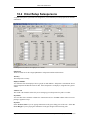
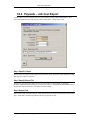
The following screen will be displayed:
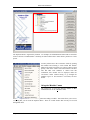
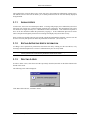
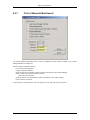
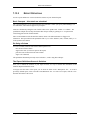
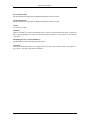
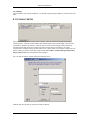
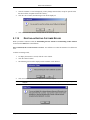
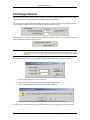
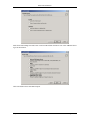
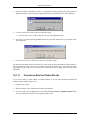
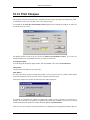
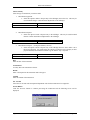
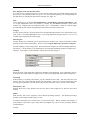
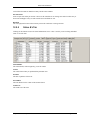
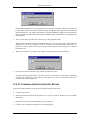
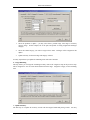
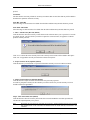
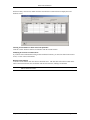
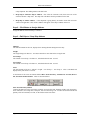
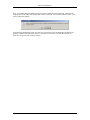
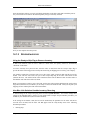
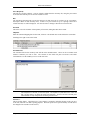
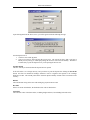
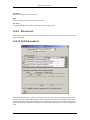
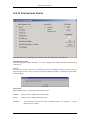
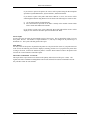
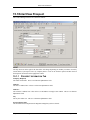
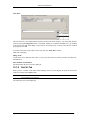
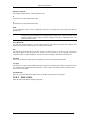
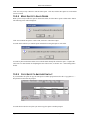
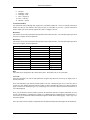
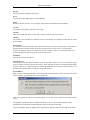
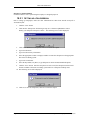
If you click Yes to proceed with the reconciliation, the posting procedure will remove items that were
marked as cleared, move them to history and reset your totals. Click No to cancel the request.
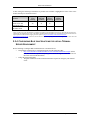
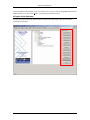
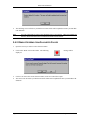
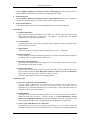
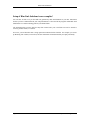
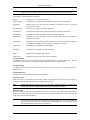
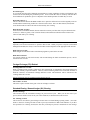
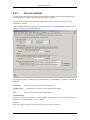
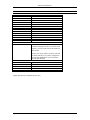
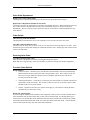
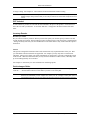
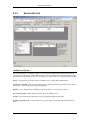
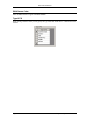
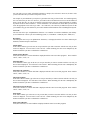
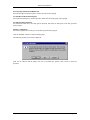
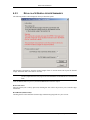
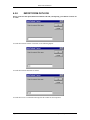
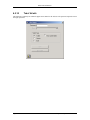
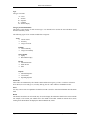
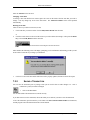
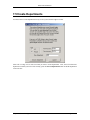
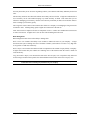
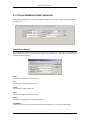
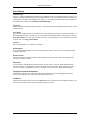
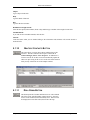
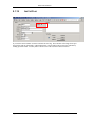
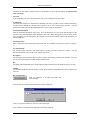
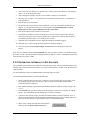
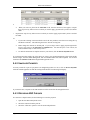
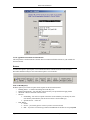
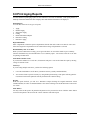
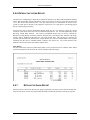
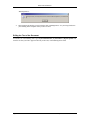
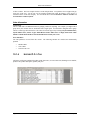
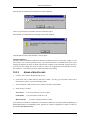
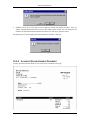
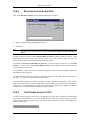
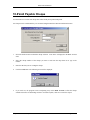
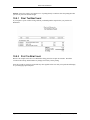
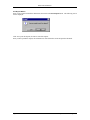
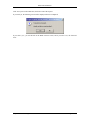
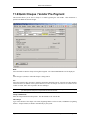
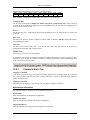
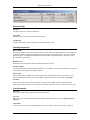
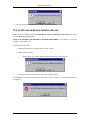
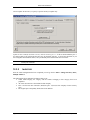
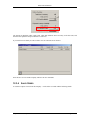
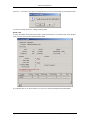
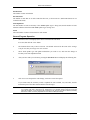
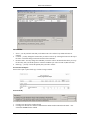
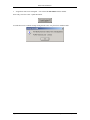
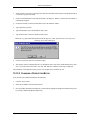
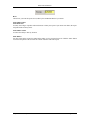
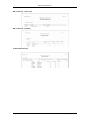
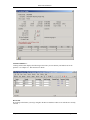
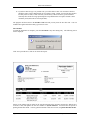
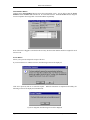
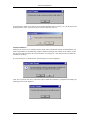
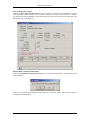
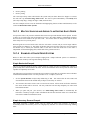
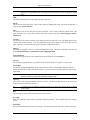
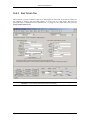
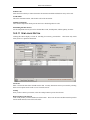
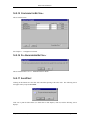
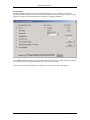
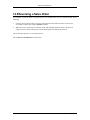
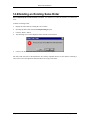
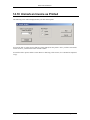
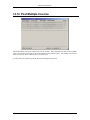
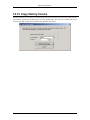
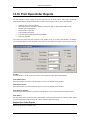
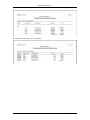
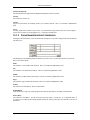
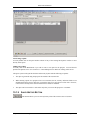
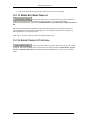
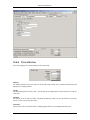
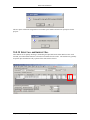
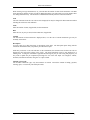
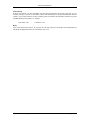
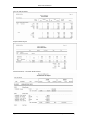
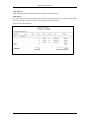
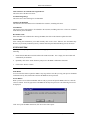
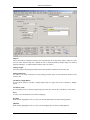
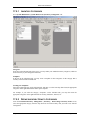
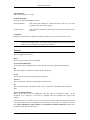
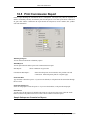
If your balances are not reconciled, and you press the ‘reconcile’ button, then the following error message
will appear:
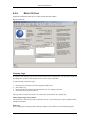
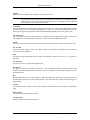
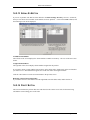
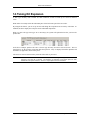
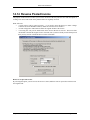
To Reconcile
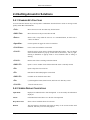
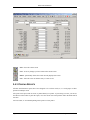
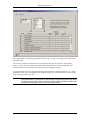
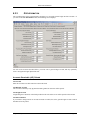
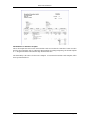
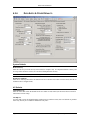
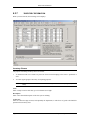
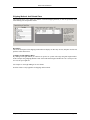
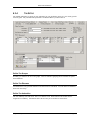
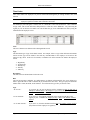
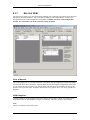
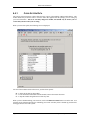
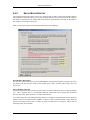
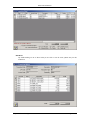
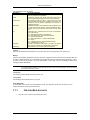
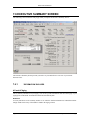
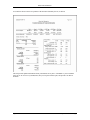
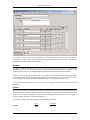
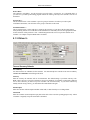
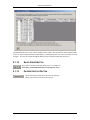
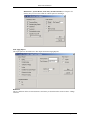
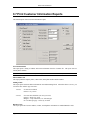
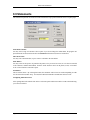
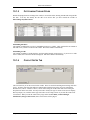
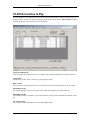
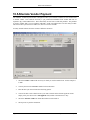
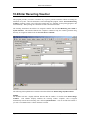
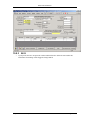
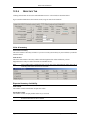
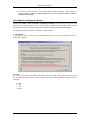
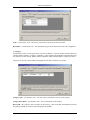
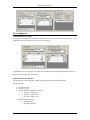
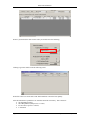
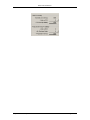
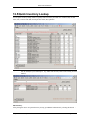
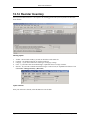
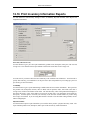
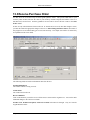
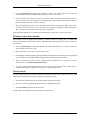
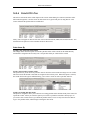
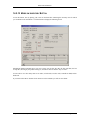
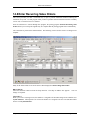
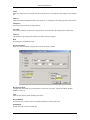
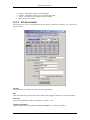
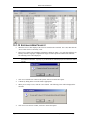
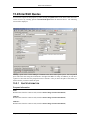
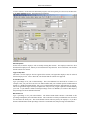
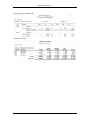
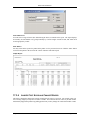
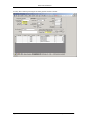
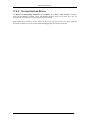
To reconcile your bank account for a given period, the Ending Balances of Bank Statement Information and
Reconciliation Information must be equal. The total deposits or the total cheques written may not agree as
there may be corrections on your part which the bank hasn’t seen. For example you may have $1000 in
extra deposits and $1000 in extra cheques written in Reconciliation Information section, but the ending
balances may balance because everything else is correct.
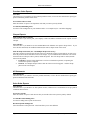
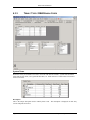
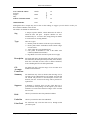
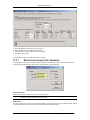
You are not likely to have all three Ending Balances agree either. That is not necessary. The difference in
the Ending Balance from the Account Information section and that of the other two sections are transactions
the bank has not received yet.
Note:
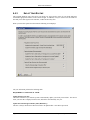
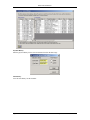
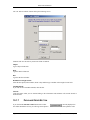
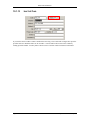
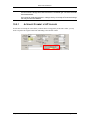
The Ending Balance under Account Information should agree with your GL account for that bank. If not,
they are out of balance due to them being set up incorrectly or entries made to the control account only.
Chapter 11 – Bank Management
Page 317