1
ExpressCheck21- Electronic Check Processing and Deposit Solution
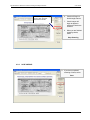
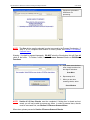
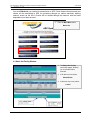
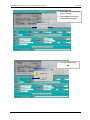
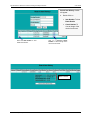
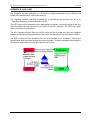
Select the Stop Scanning
option, when all check
have been scanned
User Guide
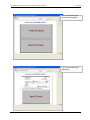
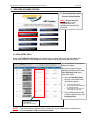
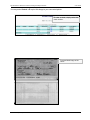
6. Checks will begin to
feed through scanner.
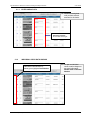
7. Check images will
begin to appear in
window as checks are
scanned.
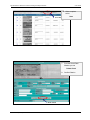
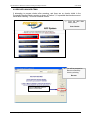
8. When you are finished
scanning checks,
select
Stop Scanning
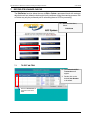
4.2.2
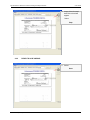
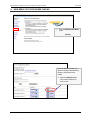
SAVE CHECKS
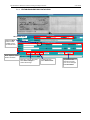
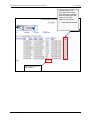
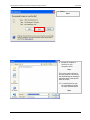
9. If you have completed
scanning of items, select
Save
© 2007 Secure Payment Systems
10
Tel: 1.888.313.7842