1
ExpressCheck21- Electronic Check Processing and Deposit Solution
User Guide
4. EXPRESSCHECK21 - ELECTRONIC CHECK PROCESSING SYSTEM
The following are detailed instructions that describe the process of scanning, processing and
batching-out checks for deposit in your bank account.
4.1 EXPRESSCHECK21
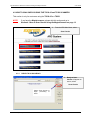
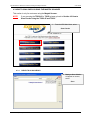
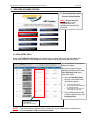
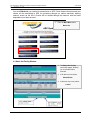
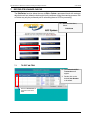
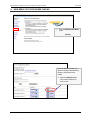
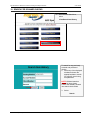
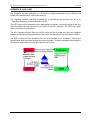
1. The Welcome to the
Processing System page
will appear.
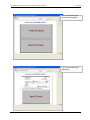
2. Scroll to bottom left hand
side of page, select your
product solution
ARC System
or
IRD System
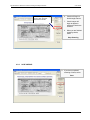
4.1.1
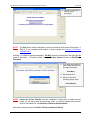
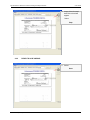
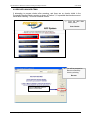
PREPARE CHECKS FOR SCANNING
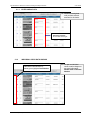
Below are instructions on how to load checks for a specific scanner.
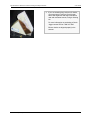
TS-350/400ES align checks along the right side of the scanner.
Digital Check TS-350/400ES
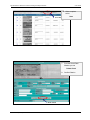
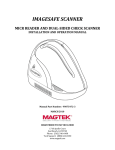
Magtek MICRImage neatly align the checks along
the bottom left hand edge one at a time.
Magtek Imager
TS230-65 neatly align the checks along the bottom and left hand edge,
loading them into the inboard hopper of the scanner until the sensor light turns
on.
Digital Check TS230-65
© 2007 Secure Payment Systems
7
Tel: 1.888.313.7842