1
.....
Setting Up Schedules
Viewing a List of All Schedules
.........................................................................
You can view a list of all schedules by clicking the Schedules tab. The following
sections describe what you can do from the schedule list:
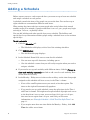
• “Adding a Schedule” on page 10
• “Changing a Schedule” on page 14
• “Deleting a Schedule” on page 15
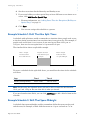
• “Setting Up and Editing the Door Unlock Schedule” on page 16
Deleting a Schedule
.........................................................................
You can delete a schedule if you no longer need it.
Note: You cannot delete a schedule that is assigned to one or more people. You must
first assign each person to a different schedule, then delete the schedule.
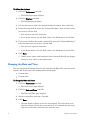
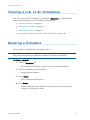
To delete a schedule:
1
Click the Schedules tab.
• The Schedules tab displays, with a list of the existing schedules.
2
Click the schedule you want to delete.
• A pop-up menu displays.
3
Select Delete.
• The Confirm window displays.
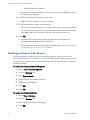
4
Click Delete.
• People assigned to this schedule will no longer have access until you
assign a new schedule to them.
Edge Solo User’s Guide
15