1
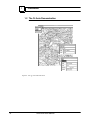
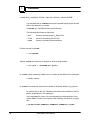
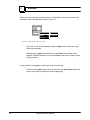
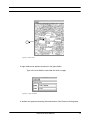
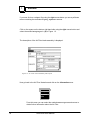
Click using the right button in the field parts, and select the method Insert. A new
tuple now appears in the parts field - you must enlarge the window to see it clearly.
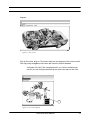
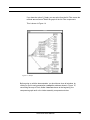
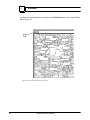
Enter a quantity. To enter a part, simply select, using the middle mouse button, a flag
in the Air Filter Structure graph or a part in the intake assembly components and drag
and drop on the blackened square in order to copy the value.
Fi gu r e 1 7 : Pa r t s w i n d ow
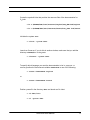
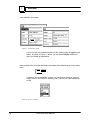
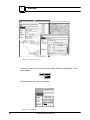
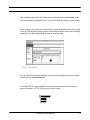
You can renew this operation and then on the order presentation select the method
Price from the Information menu.
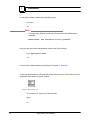
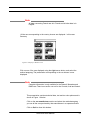
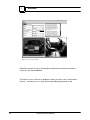
If you have LATEX on your machine click on the method Letter. You now see a
preview of a letter in LATEX. Type q in this window to exit.
Information
Price
Letter
Auto-Demo User Manual
27