1
Using thi s Manual
Congratulations on your download of the SmartSoft software. This manual will hopefully get
you up and running in no time. The functionality of SmartFade consoles is described in the
manuals of these consoles. This manual covers the functionality of this software in general.
These are the manual conventions.
Instructions
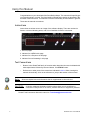
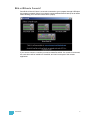
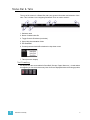
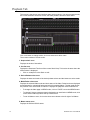
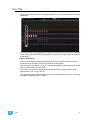
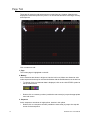
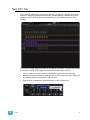
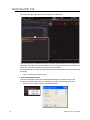
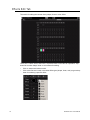
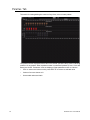
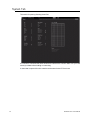
Instructions are written next to an image of the software display. There are numbers in
frames or arrows indicating areas, and a list of available functions in that area.
1. Area for pages
2. Indicator for a MEM in this page
3. Indicator for a Sequence in this page
4. Indicator for text formatting in this page
Text Conventions
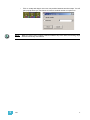
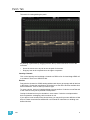
Note:
•
Buttons in the SmartFade family of consoles when described in text are indicated with
bold capital letters followed by the word button. Like STACK button.
•
References to other parts of the manual are indicated in italics. When viewing this
manual electronically, click on the reference to jump to that section of the manual.
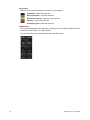
Notes are helpful hints and information that is supplemental to the main text.
CAUTION:
A Caution statement indicates situations where there may be undefined or
unwanted consequences of an action, possible data loss or equipment problems.
Please E-mail comments about this manual to: [email protected]
2
SmartSoft v2.0.1 User Manual