1
17
Calibration and Verification
Temperature measurement
Time range
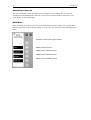
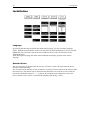
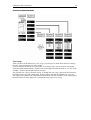
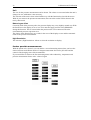
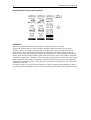
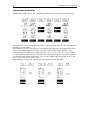
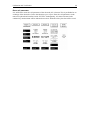
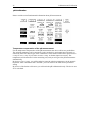
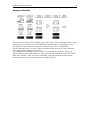
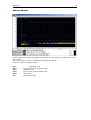
By activation of the function key param. you will receive a menu which allows to change the
time range, in which the course graphic will run through horizontally once. Long term
measurements up to twelve hours are possible. Since you do not have all possible times
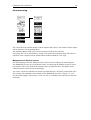
presented simultaneously, a black beam on the right side shows that above, or - like in the
example - further options hide themselves below.
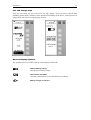
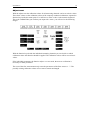
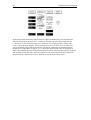
The selected time range is shown inverted. To change the time range, operate the function keys
beside the arrows upward or downward. When you have selected the suitable time range for
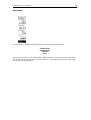
your application, return to the temperature measurement with the activation of ok. The length of
the horizontal axis of the graph now corresponds to the chosen time range.