1
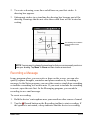
NOTE: The first speed dial location is reserved for your voice mail.
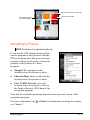
Editing or Deleting a Speed Dial Entry
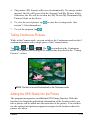
1. Press the Talk button on the device to start Phone.
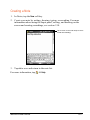
2. Tap
.
3. Tap and hold the desired entry, and tap Edit or Delete on the shortcut
menu.
4. Tap the ok soft key to save the changes, or tap Delete to delete the entry.
3.10 Managing Phone Numbers
Phone numbers can be stored in various places on the device. Therefore, you
can add, access and transfer phone numbers in a number of ways.
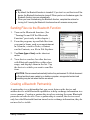
Transferring from Microsoft Contacts
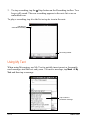
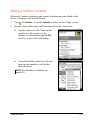
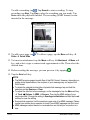
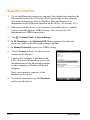
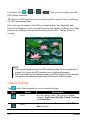
1. Tap
Contacts, or tap the Contacts
soft key on the Today screen.
2. Tap the desired entry on the contact list.
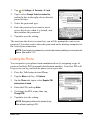
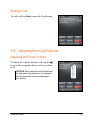
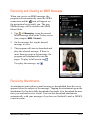
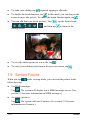
3. Move to the phone number to copy, and
tap the Menu soft key Save to SIM.
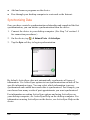
4. Accept or edit the details. When
finished, tap the ok soft key.
For more information on using Contacts, see
section 5.2.
3-14
Using the Phone