1
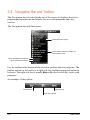
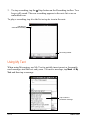
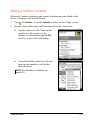
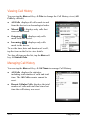
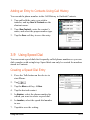
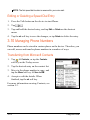
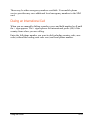
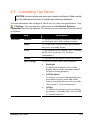
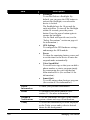
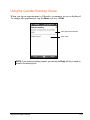
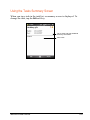
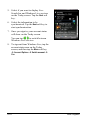
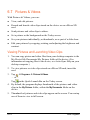
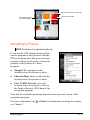
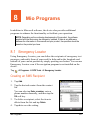
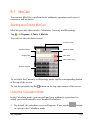
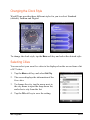
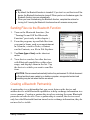
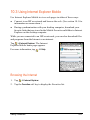
Tap to access the web site.
Tap to add or delete a link.
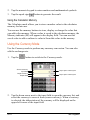
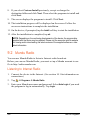
3. Tap the page that you want to view.
NOTE: If a favorite link is dimmed or you receive a message that the page is not
available, you must download the page to your device through synchronization or
connect to the Internet.
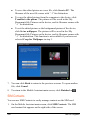
To visit web pages not included in Favorites, in the address bar that appears
at the top of the screen, enter the web address you want to visit and then tap
. Or, tap the arrow to choose from previously entered addresses.
Adding a Favorite
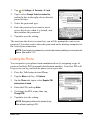
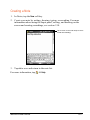
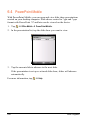
1. Tap
Internet Explorer.
2. Go to the page you want to add.
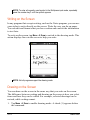
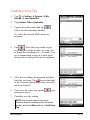
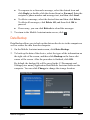
3. Tap and hold the page, and tap Add to Favorites on the shortcut menu.
4. Confirm or change the name and select a folder for storing the favorite.
5. Tap ok to save the setting.
10-8
Getting Connected