1
62
Chapter 8. General Settings
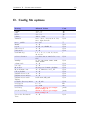
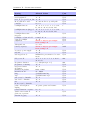
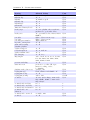
8. General Settings
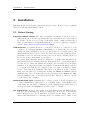
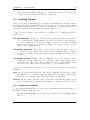
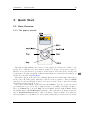
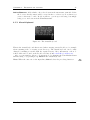
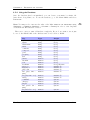
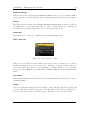
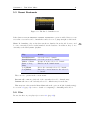
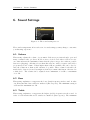
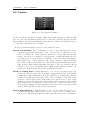
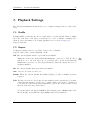
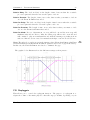
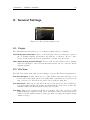
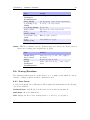
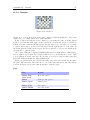
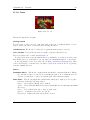
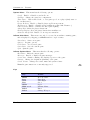
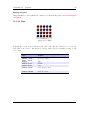
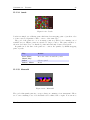
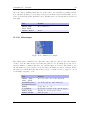
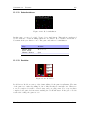
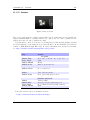
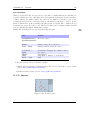
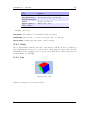
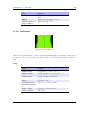
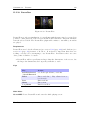
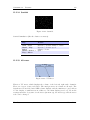
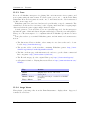
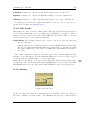
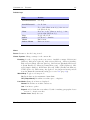
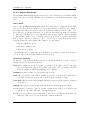
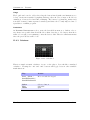
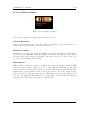
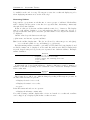
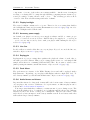
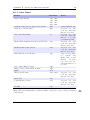
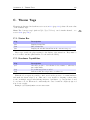
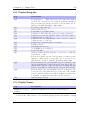
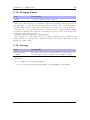
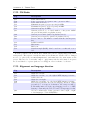
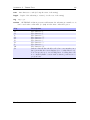
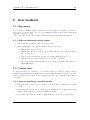
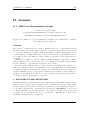
Figure 8.1.: The general settings screen
8.1. Playlist
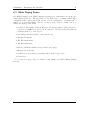
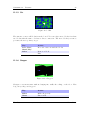
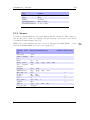
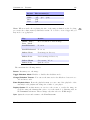
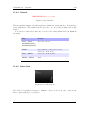
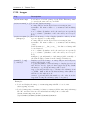
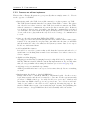
The Playlist sub menu allows you to configure settings related to playlists.
Recursively Insert Directories. If set to On, then when a directory is inserted or queued
into a dynamic playlist, all subdirectories will also be inserted. If set to Ask,
Rockbox will prompt the user about whether to include sub-directories.
Warn When Erasing Dynamic Playlist. If set to Yes, Rockbox will provide a warning
if the user attempts to take an action that will cause Rockbox to erase the current
dynamic playlist.
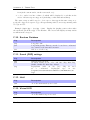
8.2. File View
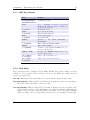
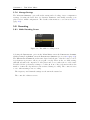
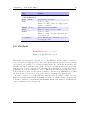
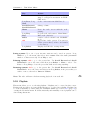
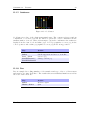
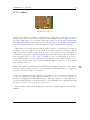
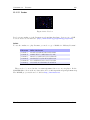
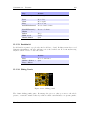
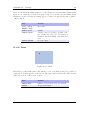
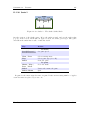
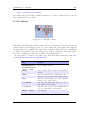
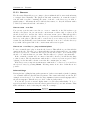
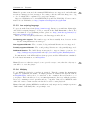
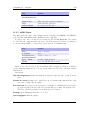
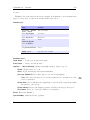
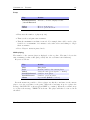
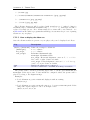
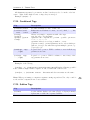
The File View menu deals with options relating to how the File Browser displays files.
Sort Case Sensitive. If this option is set to Yes, all files that start with upper case
letters will be listed first, followed by all files that begin with lower case letters. If
this option is set to NO, then case will be ignored when sorting files.
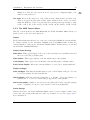
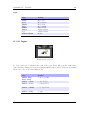
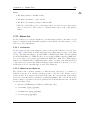
Sort Directories. This option controls how Rockbox sorts directories. The default is to
sort them alphabetically. By date sorts them with the oldest directory first. By
newest date sorts them with the newest directory first.
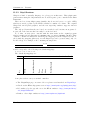
Sort Files. This option controls how Rockbox sorts files. All of the options for Sort
Directories are available in this option. In addition, there is a By type option
which sorts files alphabetically by their type (such as .mp3) then alphabetically
within each type.
The Rockbox manual
(version 3.11RC)
Ipod Nano