1
Table of Contents
Chapter 1 - Introduction
1-1
About this Guide
1-1
End User License Agreement (EULA)
1-1
Components
1-2
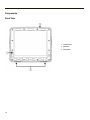
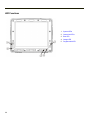
Front View
1-2
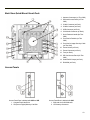
Back View Quick Mount Smart Dock
1-3
Access Panels
1-3
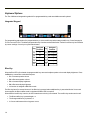
Keyboard Options
1-4
Integrated Keypad
1-4
Blue Key
1-4
Orange Key
1-5
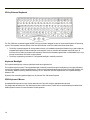
95-Key External Keyboard
1-6
Keyboard Backlight
1-6
USB Keyboard / Mouse
1-6
Chapter 2 - Set Up A New Thor VM2
2-1
Hardware Setup
2-1
Software Setup
2-1
Quick Mount Smart Dock
2-2
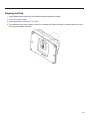
Preparing the Dock
2-3
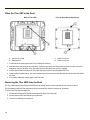
Place the Thor VM2 in the Dock
2-4
Removing the Thor VM2 from the Dock
2-4
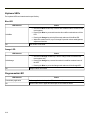
Backlights and Indicators
Display Backlight
2-5
2-5
Power Management
2-5
Backlight Brightness
2-5
Screen Blanking
2-5
Keypad Backlight
LED Functions
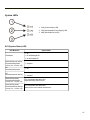
System LEDs
2-5
2-6
2-7
SYS (System Status) LED
2-7
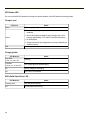
UPS Status LED
2-8
Charge Level
2-8
Charging State
2-8
SSD (Solid State Drive) LED
2-8
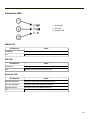
Connection LEDs
2-9
WWAN LED
2-9
WiFi LED
2-9
Bluetooth LED
2-9
i