1
2
One-Dimensional Continuous Wavelet Analysis
Using Wavelets
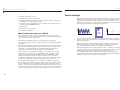
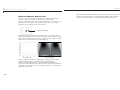
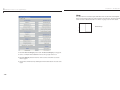
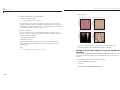
6 View Maxima Line.
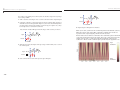
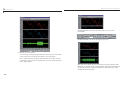
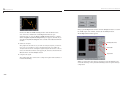
Click the Refresh Maxima Line button. The local maxima plot displays the
chaining across scales of the coefficients local maxima from a = 40 down to
a = 1.
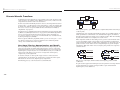
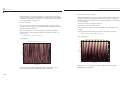
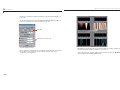
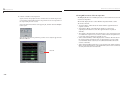
Hold down the right mouse button over the coefficients plot. The position of
the mouse is given by the Info frame (located at the bottom of the screen) in
terms of location (X) and scale (Sca).
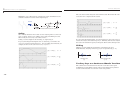
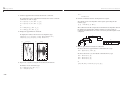
7 Switch from scale to Pseudo-Frequency Information.
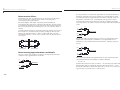
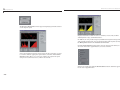
Using the option button on the right part of the screen, select Frequencies
instead of Scales. Again hold down the right mouse button over the
coefficients plot, the position of the mouse is given in terms of location (X)
and frequency (Frq) in Hertz.
2-12
2-13