1
Installin
ng the CMS NB It is importannt that the CMS b completedd prior to con
nnecting installation be the PC to th
he receiver. E nsure that th
he PC on which you are installin g the CMS is NOT o the receiverr until the installation connected to
is complete.
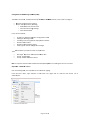
The CMS is compatibble with Microsoft® P SP2 or later, and Microsofft® Vista. Windows XP
The CMS installation CCD comes with w
all ers, and required programme filees and drive
includes Miccrosoft® SQL Seerver Express SP2. W
NB You must be loggged in to Windows with an adm
ministrator leevel user acccount to ® install the Sontay
S
CMS and Microso
oft® SQL Server Expre
ess SP2. er 2005 Expreess Edition SP
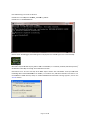
P2 is not If SQL Serve
already installed on youur PC, the fo
ollowing installation w
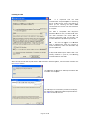
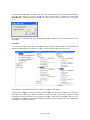
will be executeed. ess Edition SP22 installation window appe
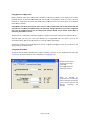
ears, read thee EULA and th
hen click When tthe SQL Serveer 2005 Expre
the <Acccept> button. QL Server 20005 Express Edition SP2 The insttallation of SQ
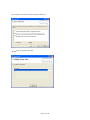
continu
ues until comp
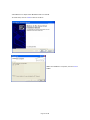
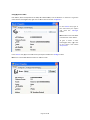
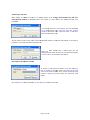
plete. The nexxt step in the installation prrocedure will display the “Welcome to the
e SonNet CMSS Setup Wizard
d. Click ext> button to
o continue. the <Ne
Page 20 of 45
5