1
[NVR MANAGEMENT SOFTWARE USER MANUAL] 75
Capture Snapshots of a Playback Video
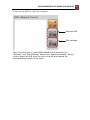
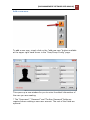
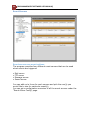
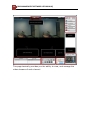
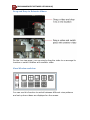
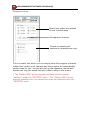
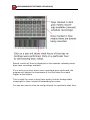
This is the same function that is available in the live view page. Each
playback video windows comes with function bar at the upper-right
hand corner.
AVI Export
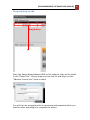
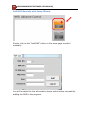
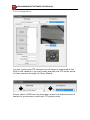
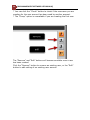
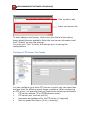
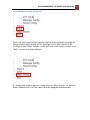
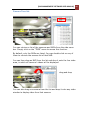
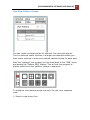
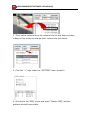
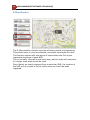
You can export the recorded videos to AVI files and save them onto a
local hard disk. Simply click on the “AVI Export” icon while a video is
being played back. Click it again to stop the process.
•
•
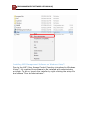
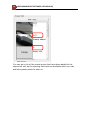
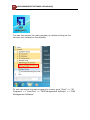
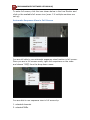
All exported videos are automatically saved in the “AVI” folder
under the program installation directory. “Ex.: C:\Program Files
(x86)\LevelOne\NVR\AVI”
The program allows a maximum of one hour of video per channel
to be exported