1
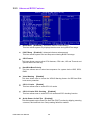
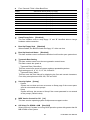
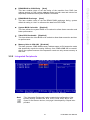
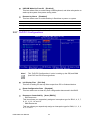
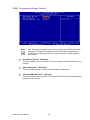
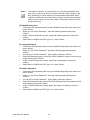
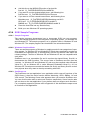
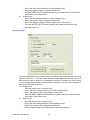
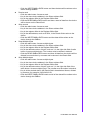
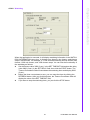
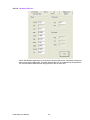
USB KB Wake-Up From S3 [Enabled] This item allows user to enable using a USB keyboard, and allow a keystroke to wake up the system from power saving mode. Resume by Alarm [Disabled] This item allows user to enable and key in Date/time to power on system Disabled Disable this function. Enabled Enable alarm function to power on system. Data (of month) Alarm 1-31 Time (HH:MM:SS) Alarm (0-23) : (0-59) : 0-59) 3.2.7 PnP/PCI Configurations Note! This “PnP/PCI Configurations” option is setting up the IRQ and DMA (both PnP and PCI bus assignments. Init Display First [PCI Slot] This item is setting for start up Video output from PCI or Onboard device. Reset Configuration Date [Disabled] This item allow user to clear any PnP configuration data stored in the BIOS. Resources Controlled By [Auto (ESCD)] – IRQ Resources This item allows you respectively assign an interruptive type for IRQ-3, 4, 5, 7, 9, 10, 11, 12, 14, and 15. – DMA Resources This item allows you respectively assign an interruptive type for DMA, 0, 1, 2, 3, 4, 5, 6, and 7. PCM-9590 User Manual 34