1
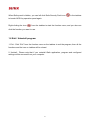
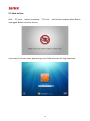
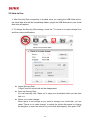
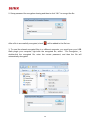
When iSafe panel is hidden, you can left click iSafe Security Pack icon (
) in the taskbar
to launch AES Key operation panel again.
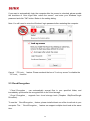
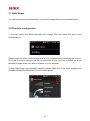
Right clicking the icon (
) from the taskbar to start the function menu, and you also can
click the function you want to use.
1.6 Exit / Uninstall program
1. Exit : Click “Exit” from the function menu on the taskbar to exit the program, then all the
functions and the icon on taskbar will be closed.
2. Unistall : Please note that if you uninstall iSafe application, program and configured
settings will be removed from your computer.
9