1
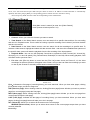
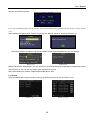
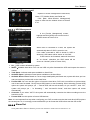
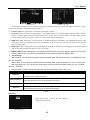
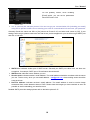
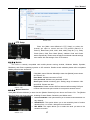
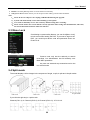
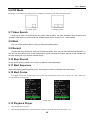
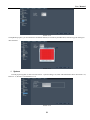
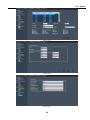
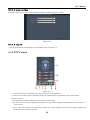
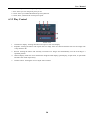
User Manual Picture 5-27 5.2.6.3 PTZ Setup Enter into [Main menuDevice PTZ Setup] to select the channel you want to control and set PTZ protocol (Pelco-D or Pelco-P), Baud Rate (1200, 2400, 4800, 9600), Stop bit (1, 2), Parity Check (None, Odd, Even Mark Space), Address Code and Cruise status respectively. Please note the above mentioned channel settings must match with the settings of the PTZ camera. Picture 5-29 5.2.6.4 Mobile The DVR is currently compatible with mobile phones running Andriod, Windows Mobile, Symbian, Blackberry and iPhone operating systems on 3G networks. Details access methods please refer to separate Mobile phone Access Instruction. 。 Click [Main menuDeviceMobile] to enter into [Mobile] menu shown as Picture 5-30. . User Name: indicate user name of DVR. User password: indicate user password of DVR Server port: Mobile monitoring port. Setting range is between 1024 and 65535. Please note that Explanation: Please connect DVR to Internet before setting DVR port Picture 5-30 number and the server port number is not equal to network menus. 5.2.6.5 Motion Detection Click [MainDeviceMotion] to enter into the [Motion Detection] menu shown as Picture 5-31. The [Motion detection] Menu has three sections, including Channel Status, Sensitivity and Motion area. Channel STATUS: This option allows you to enable motion detection on any channel. SENSITIVITY: This option allows you to set sensitivity level of motion detection from 1 to 4 with 4 being the most sensitive. MD AREA: This option allows you to select the area you want to be sensitive to motion. Picture 5-31 17