1
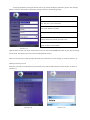
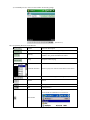
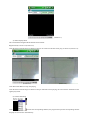
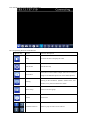
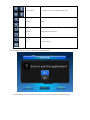
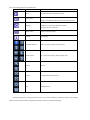
The corresponding functions of the Buttons:
Function Key
Name
Function Description
Play
Connect the device and play the video
Screenshot
Screenshot of the available images (Save the screenshot
image to the defaulted photo root of the mobile phones)
Setting of the IP address, dynamic domain name, Port
Setting
number, user, password and device names
Select to the next Channels
Next Group
Select to the next group
About
About Info
Channel Selection
Select to play the video of one channel
PTZ Control
To control the PTZ (Up, Down, Right, Left)
Zoom
Zoom
Focus
Change the distance of focus
Iris
Change the Iris
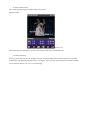
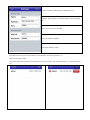
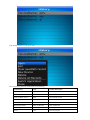
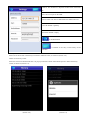
4) If using the mobile viewing for the first time or any need to modify the parameters, please click "Setting"
button to enter into the interface of parameter setting as shown in the following image: