1
EX-9945GSE 5.25-A SBC
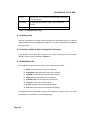
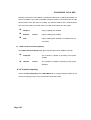
Compatible
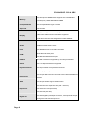
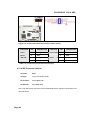
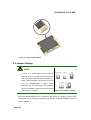
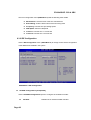
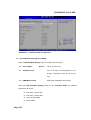
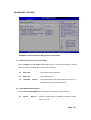
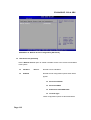
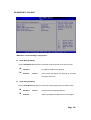
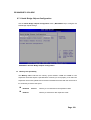
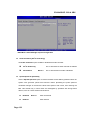
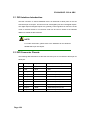
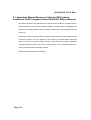
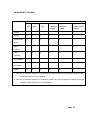
Configures the on-board ATA/IDE controller to be in
DEFAULT
compatible mode. In this mode, a SATA channel will
replace one of the IDE channels. This mode supports up
to 4 storage devices.
Configures the on-board ATA/IDE controller to be in
Enhanced
Enhanced mode. In this mode, IDE channels and SATA
channels are separated. This mode supports up to 6
storage devices. Some legacy OS do not support this
mode.
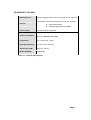
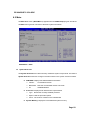
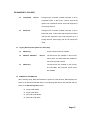
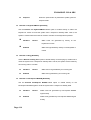
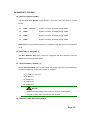
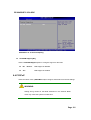
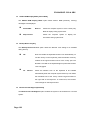
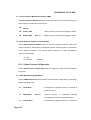
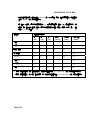
Legacy IDE Channels [PATA Pri, SATA Sec]
Only the SATA drives are enabled.
SATA Only
SATA Pri, PATA Sec
DEFAULT
The IDE drives are enabled on the Primary
IDE channel. The SATA drives are enabled on
the Secondary IDE channel.
PATA Only
The IDE drives are enabled on the primary
and secondary IDE channels. SATA drives
are disabled.
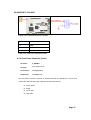
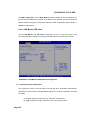
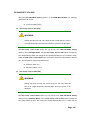
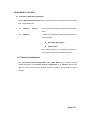
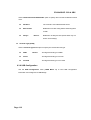
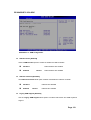
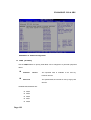
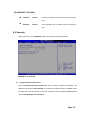
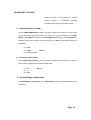
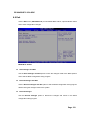
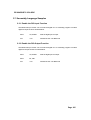
IDE Master and IDE Slave
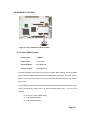
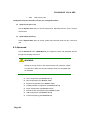
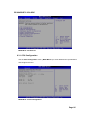
When entering setup, BIOS auto detects the presence of IDE devices. BIOS displays the
status of the auto detected IDE devices. The following IDE devices are detected and are
shown in the IDE Configuration menu:
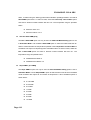
Primary IDE Master
Primary IDE Slave
Secondary IDE Master
Secondary IDE Slave
Page 97