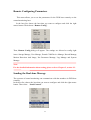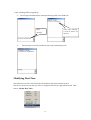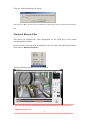
1
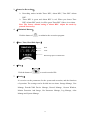
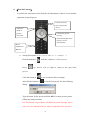
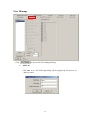
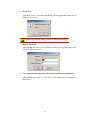
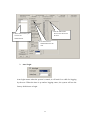
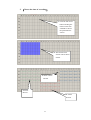
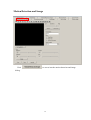
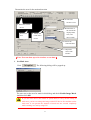
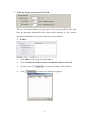
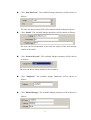
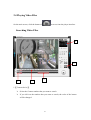
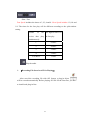
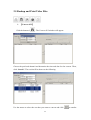
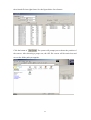
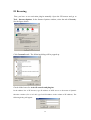
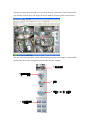
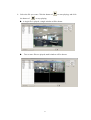
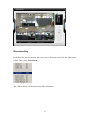
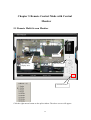
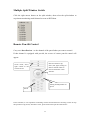
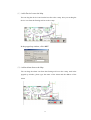
Click the converted AVI file. It will be played directly as shown below
¾
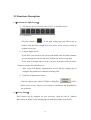
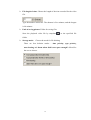
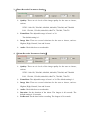
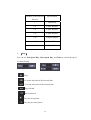
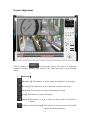
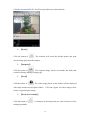
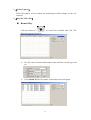
【Print】
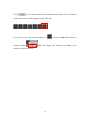
Click the button of
. The software will search the default printer and print
current image played on the window.
¾
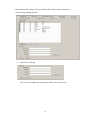
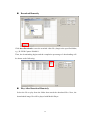
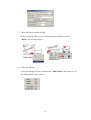
【Snapshot】
Click the button of
. The captured image will be saved under the folder that
created in Storage Manage setting page.
¾
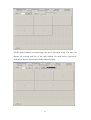
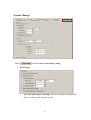
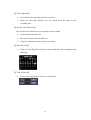
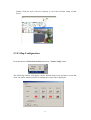
【Lock】
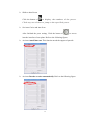
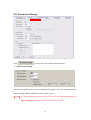
Click the button of
. The video image played on the window will be displayed
with single window but not split-window. Click once again , the video image will be
back to original display image.
¾
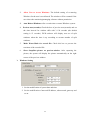
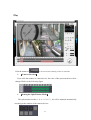
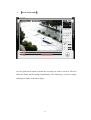
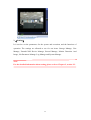
【Zoom In Gradually】
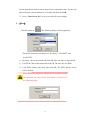
Click the button of
. Certain part of the image that you want to browse will be
enlarged gradually.
50