1
ATEN Control System User Manual
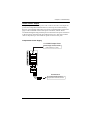
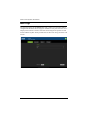
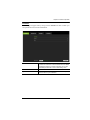
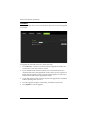
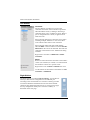
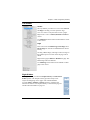
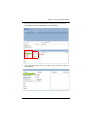
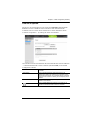
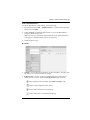
Left Sidebar
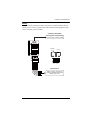
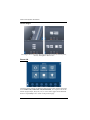
Controller
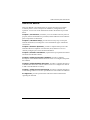
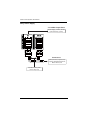
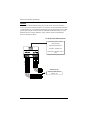
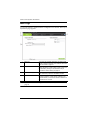
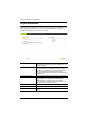
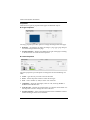
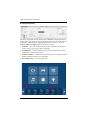
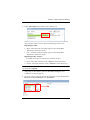
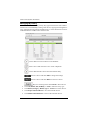
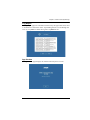
The Left Sidebar provides a tree view of the
controllers and rooms. Each controller represents a
VK2100 and the room(s) it manages. Selecting a
controller allows you to configure its ports. When a
port is configured with a device, it appears listed
under the room.
Each controller must have at least one room. When
installing multiple VK2100’s in one room, add a
room with the same name to each controller.
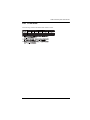
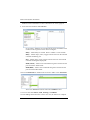
Each controller name ends with an ID number:
VK2100-ID01. Use this number to set the Controller
ID Switch on the rear of the VK2100. This links the
controller in the software to the VK2100 unit being
installed.
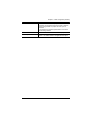
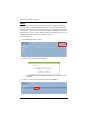
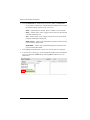
Right click a controller to Add Room or Delete
Controller.
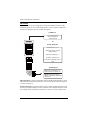
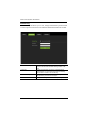
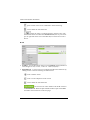
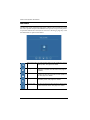
Room
Rooms are associated with a controller so that when a
viewer (user interface) is created, it’s created with all
the hardware controls for a specific room.
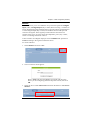
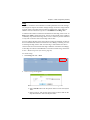
Right click a room to Delete or Rename the room.
Use the buttons at the bottom of the sidebar to Add
Controller or Add Room.
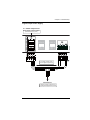
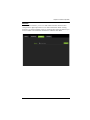
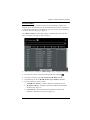
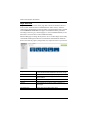
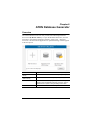
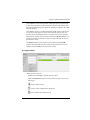
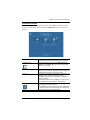
Right Sidebar
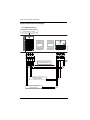
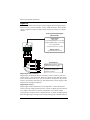
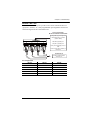
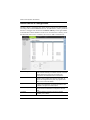
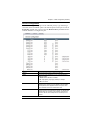
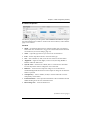
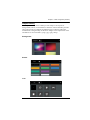
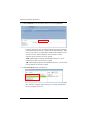
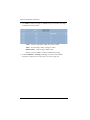
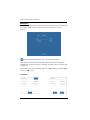
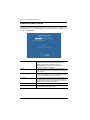
The Right Sidebar provides the Device Library. Use the Device
Library to add a device configuration to the VK2100 port
according to the connected device. The Device Library provides
an extensive database of hardware devices that can be double
clicked or drag and dropped into the Device Configuration page
for easy configuration of the ports. The Device Library is
discussed on the next page.
46