1
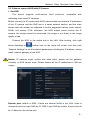
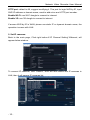
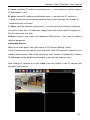
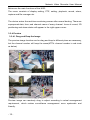
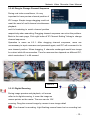
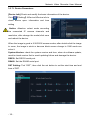
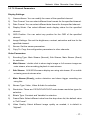
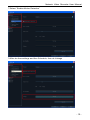
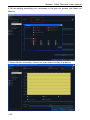
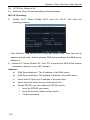
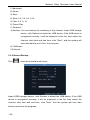
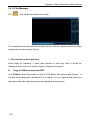
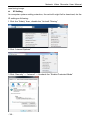
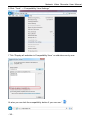
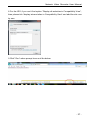
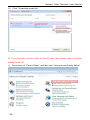
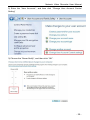
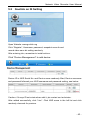
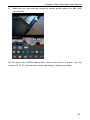
Network Video Recorder User Manual A –Area: cameras IP address searching area——click Search to get the camera IP addresses in LAN B- Area: camera IP address modification area——double click IP camera in A area, B area will show camera network data, some cameras can change IP address directly in B area C- Area: cameras channel setting area——according to the selection sequence in A zone, to sort the 1-36 channels image order. Select All to add IP cameras to the all channel by one click. D-Area: camera user name and password filling area——this area is camera network parameter Automatic Search: Back to the main page, click right button“IP Channel Setting”Auto If the IP camera has private protocol with NVR, NVR will assign IP address to the camera automatically. After finish searching, it will connect automatically. Camera IP addresses will be added automatically in the preview channel area. After adding IP camera and click Save, then the image of the IP camera will appear in the channel. - 11 -