1
Error! Style not defined.
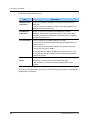
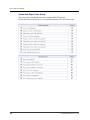
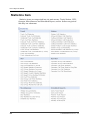
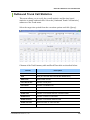
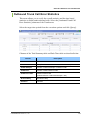
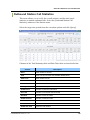
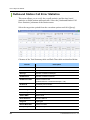
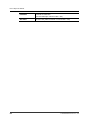
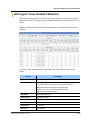
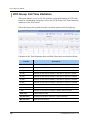
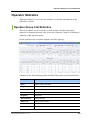
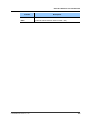
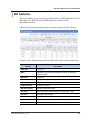
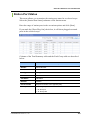
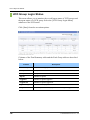
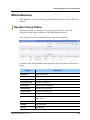
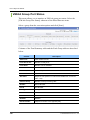
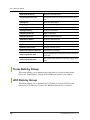
Column
Description
Grp Call Xfers Out
Number of group transfer
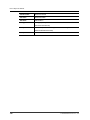
Forced Log Outs
Number of forced logout cases
Inbd Xfers Ans
Number of transferred inbound calls answered
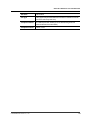
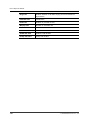
Login Time
Login time
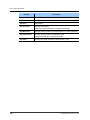
Idle Time
Idle duration
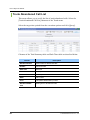
Ring Time
Duration between a call starts ringing and it is answered on agent
device
110
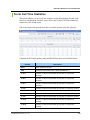
Talk Time
Talk duration
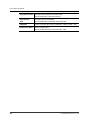
Hold Time
Duration of put calls on hold
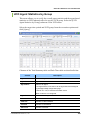
Wrapup Time
Duration of work after call
Consult Time
Consultation duration
© SAMSUNG Electronics Co., Ltd.