1
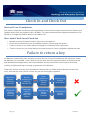
Bulk Check In and Check Out
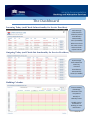
Service Providers can speed up the check in and check out process using the daily dashboard. NOTE:
this bulk check in/check out only works for bookings made via the BAS bulk booking functionality – so it
will not work on bulk bookings made prior to your GO LIVE in the BAS.
Bulk Check In
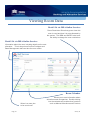
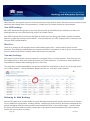
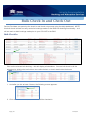
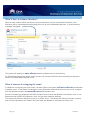
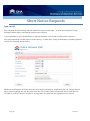
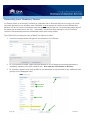
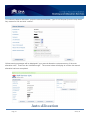
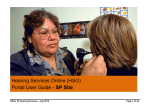
Click on the relevant bulk booking – this will display all attendees. You can bulk check in all the
attendees by clicking the top tick box (see yellow below) or simply start ticking the boxes
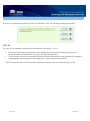
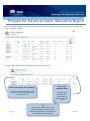
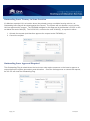
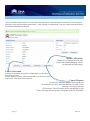
1. And after you tick at least 2 boxes, the following screen appears:
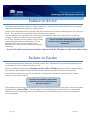
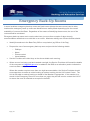
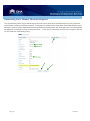
2. Click on Bulk Check In and all members will be checked in
Page | 25
January 14