1
NETCOMM LIBERTY SERIES - HSPA WiFi Router with Voice
Management
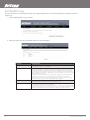
The Management menu has the following maintenance functions and processes:
• 6.1 Device Settings
• 6.2 Simple Network Management Protocol (SNMP)
• 6.3 Simple Network Time Protocol (SNTP)
• 6.4 Access Control
• 6.5 Save and Reboot
6.1 Device Settings
The Device Settings screens allow you to backup, retrieve and restore the default settings of your Router. It also provides a function for
you to update your Routers firmware.
6.1.1 Backup Settings
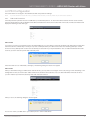
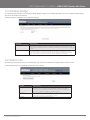
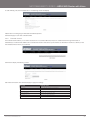
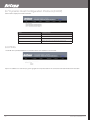
The following screen appears when Backup is selected. Click the Backup Settings button to save the current configuration settings. You
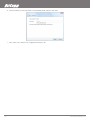
will be prompted to define the location of a backup file to save to your PC.
6.1.2
Update Settings
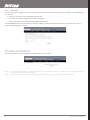
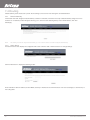
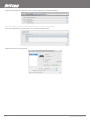
The following screen appears when selecting Update from the submenu. By clicking on the Browse button, you can locate a previously
saved filename as the configuration backup file. Click on the Update settings to load it.
YML10WVR
www.netcommlimited.com
HSPA WiFi Router with Voice-User Guide
27