1
Back Paddock Adviser/Manager – User Guide
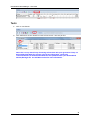
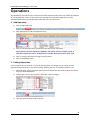
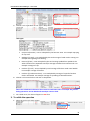
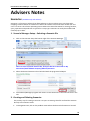
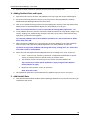
Caution: MUST SAVE after every paddock as this section doesn’t automatically save.
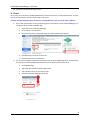
9.
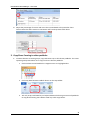
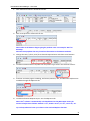
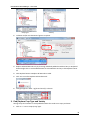
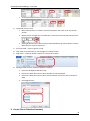
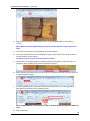
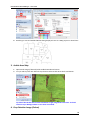
Repeat steps to create paddock boundaries for the remaining paddocks.
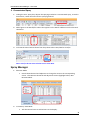
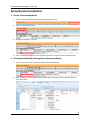
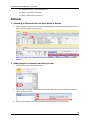
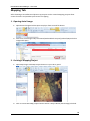
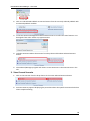
4. Create a Circle (Pivots) Polygon
1.
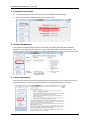
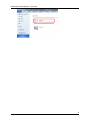
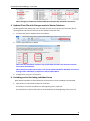
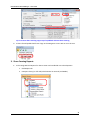
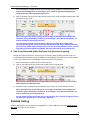
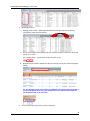
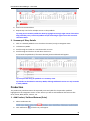
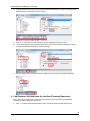
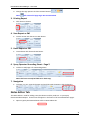
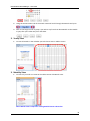
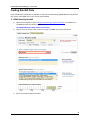
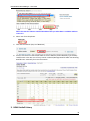
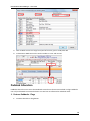
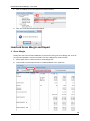
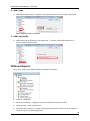
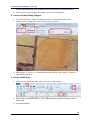
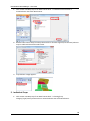
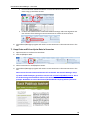
Click Tools tab>Type in Radius and Sides>Click Select (Arrow) button>Click Create
Polygon>Click on image where centre of the circle is to appear.
2.
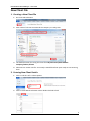
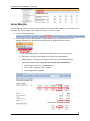
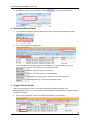
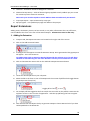
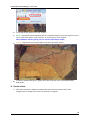
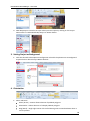
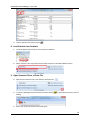
Shift polygon: X = across, Y = vertical>Move incrementally by 5 (up or left) or -5 (down or
right)>Click Apply Shift.
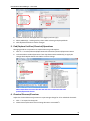
5. Create Arable Area
1.
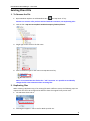
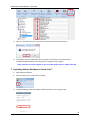
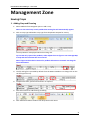
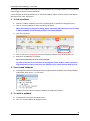
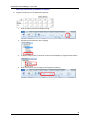
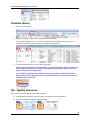
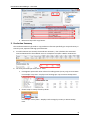
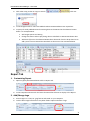
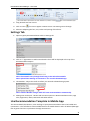
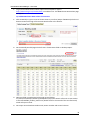
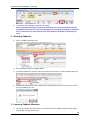
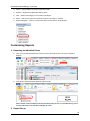
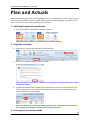
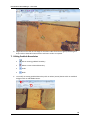
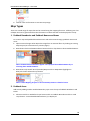
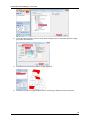
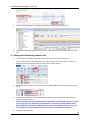
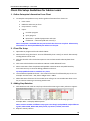
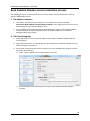
Click on Farm tab> Choose Maps>Click in top cell in Arable column.
2.
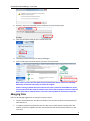
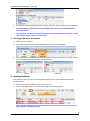
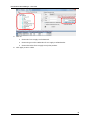
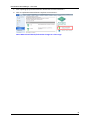
Open Image as Background Project – See Creating Mapping Projects and Setting Project as
Background.
3.
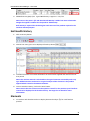
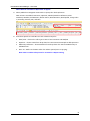
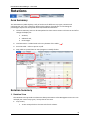
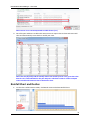
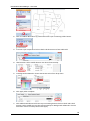
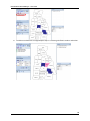
Tick Show Paddocks.
124