1
Back Paddock Adviser/Manager – User Guide
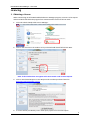
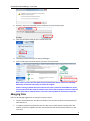
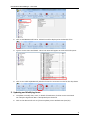
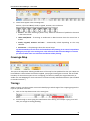
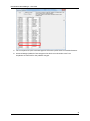
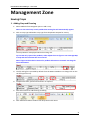
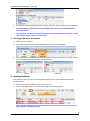
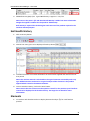
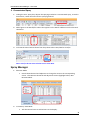
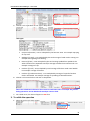
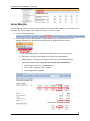
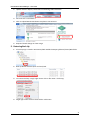
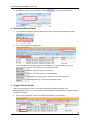
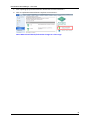
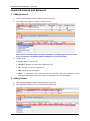
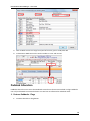
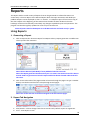
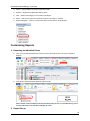
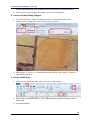
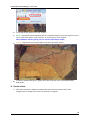
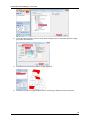
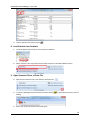
1. In Farm tab>Click Add New Paddock or Insert New buttons>Re-name>Sort A-Z or
move using up and down arrows.
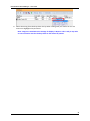
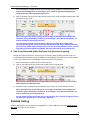
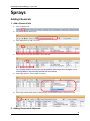
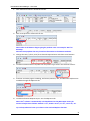
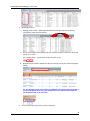
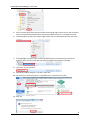
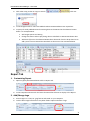
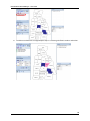
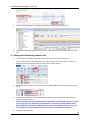
2. In Home tab> Add Scenario to Selected Paddock OR Copy and Paste segments into
new scenario from existing scenarios>Customise to reflect the new scenario.
6.
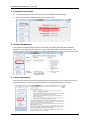
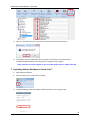
Close Adviser/Manager program and restart to reset Scenarios to the new Scenarios in the
File.
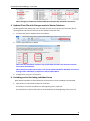
7. Keep Costs and Prices Up-to-Date in Scenarios
1.
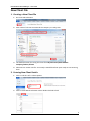
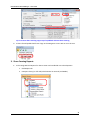
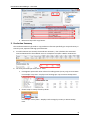
Open Scenarios as a Client File. See above.
2.
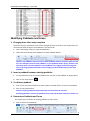
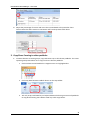
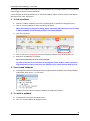
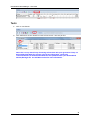
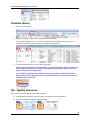
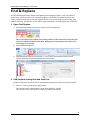
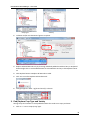
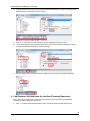
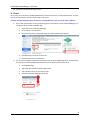
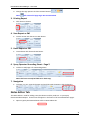
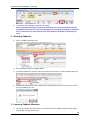
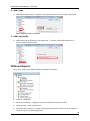
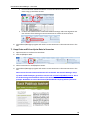
Click Find/Replace Data.
3.
Follow instructions in Find/Replace section.
4.
Close Adviser/Manager program and restart to reset Scenarios to the new Scenarios in the
File.
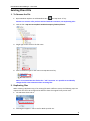
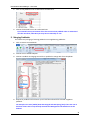
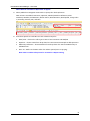
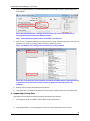
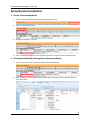
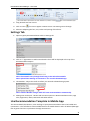
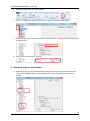
Note: Ensure the new customised Scenario File is selected. See Scenario Manager Setup.
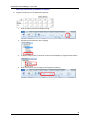
Tip: Back Paddock Company provides a Scenario File at www.backpaddock.com.au. Go to
the Products Page>Back Paddock Adviser>Click Download Scenario and follow the
prompts. Remember to save to Documents\Back Paddock Company\Adviser\Scenarios.
143