1
Chapter 5
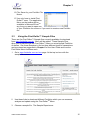
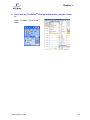
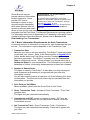
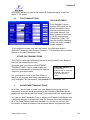
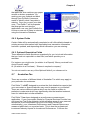
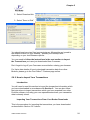
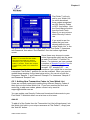
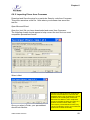
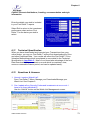
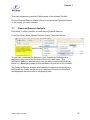
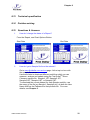
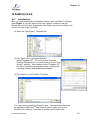
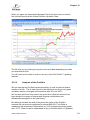
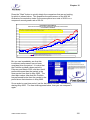
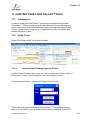
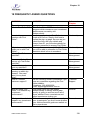
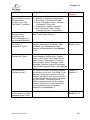
2. Select from a number of Brokers, which
will lead you to the particular web site.
The following example uses Australia’s most
popular broker, Commonwealth Securities
(Commsec), in order to demonstrate the few
simple steps required to download your own
transaction data if you are a Client of
Commsec.
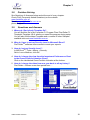
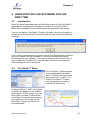
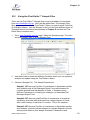
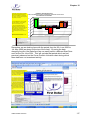
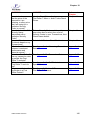
Commsec
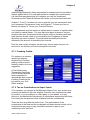
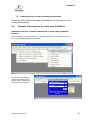
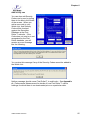
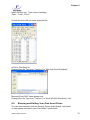
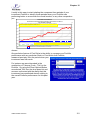
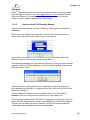
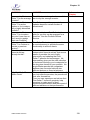
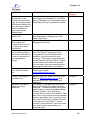
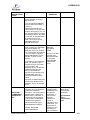
1. Select Commsec
2. The application will
open your default
Internet browser
and if you are
online, will go to
Commsec’s
Australian broking
site. You will need
to provide your
username and
password for your
Commsec account. You should enter these in the normal way.
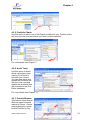
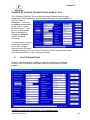
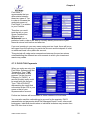
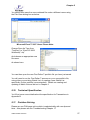
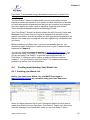
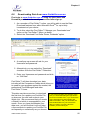
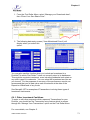
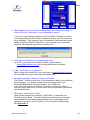
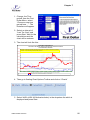
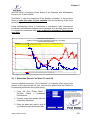
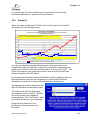
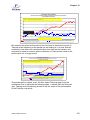
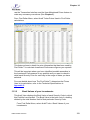
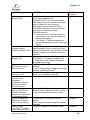
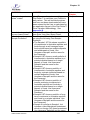
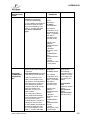
3. Select “Position
Statements” on
the left hand
bar. You
should reach
the “Position
Summary”
page as shown.
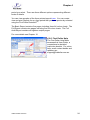
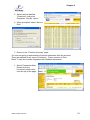
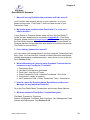
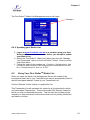
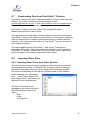
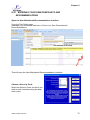
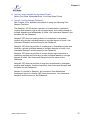
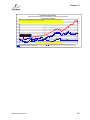
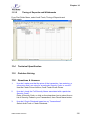
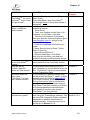
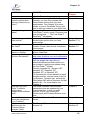
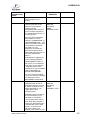
4. Select
>Confirmations> Most Recent. You should land at the “Contract
Notes Summary” page for your Commsec account.
USER GUIDE v3207.doc
52