1
ATA’s Sunulator User Guide
4.0
21
Simulation model
This section covers how scenarios are defined and configured, and running Sunulator.
4.1
Scenarios
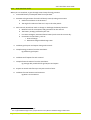
Most likely, you’ll have several different options you’re considering for a solar project. Eg:
• Solar system sizes and prices
• Roof surfaces with different orientations and tilts
• Battery capacity
• Locations
• Ownership options
• Grid tariffs
You would like to compare how the different options stack up against each other, economically and
environmentally.
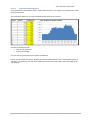
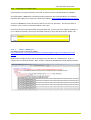
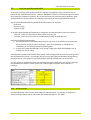
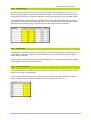
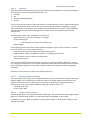
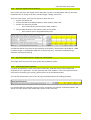
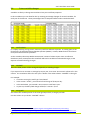
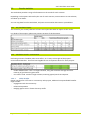
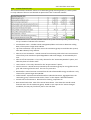
To cater for different options like these, Sunulator allows you to define up to six scenarios at once.
When you run Sunulator, all the scenarios are run separately, but the results worksheets make it
easy to compare scenarios against each other.
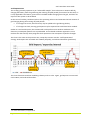
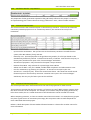
Scenario 1 should be entered as a “business as usual” scenario. Scenario 1 is the baseline. Typically
this has no solar system or battery, and uses current tariffs. Most reports show the difference
between scenarios 2-6 and scenario 1. For example, what is the saving off the annual bill?
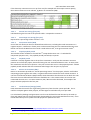
•
•
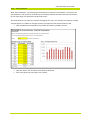
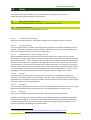
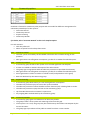
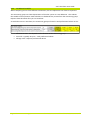
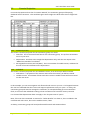
Click on a yellow cell
Enter a scenario name.
Page 21 of 61
www.ata.org.au
Saved 19/08/2015 2:51:00 PM
Printed 20/08/2015 7:57:00 AM