1
Smart
Operating Instruction
7.7
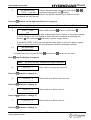
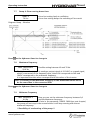
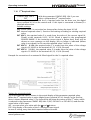
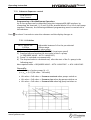
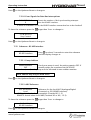
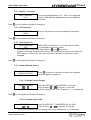
Ramp 4: Slow running down time:
RAMP 4
70 Sec
A too fast setting leads to oscillation
A too slow setting delays the switching off too much
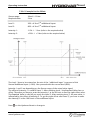
Diagram: Ramp – Window
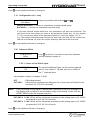
Press
on the Hydrovar-Smart to change to
7.8
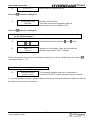
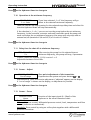
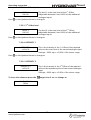
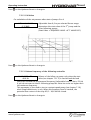
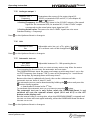
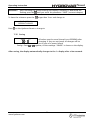
Maximum Frequency
MAX. FREQUENCY
Possible setting between 40 and 70 Hz.
50.0 Hz
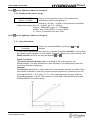
The Hydrovar-Smart gives an analogue output signal of 0-10VDC as a speed signal,
which is connected to the frequency drive, where 0V corresponds to 0Hz and
10VDC corresponds to the maximum frequency.
It is important that this values correspond with the values of the inverter.
Note: The setting of the Maximum frequency in the HYDROVAR-Smart has to
be the same than in the connected VFD!
Press
on the Hydrovar-Smart to change to
7.9
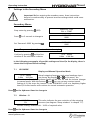
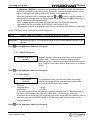
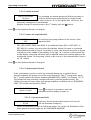
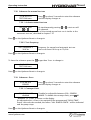
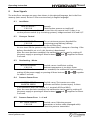
Minimum Frequency
MIN. FREQUENCY
Here you can set the minimum frequency between 0,0
0.0 Hz
and the Maximum frequency.
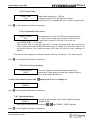
Attention!: If there is set f>fmin in the parameter CONFIG. FMIN (see next chapter)
the pump will not stop in the normal mode. It will keep running with the set
minimum frequency.
!! Possibility of overheating of the pump !!
www.hydrovar.com
21