1
Smart
Operating Instruction
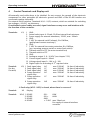
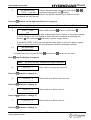
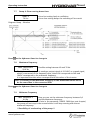
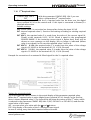
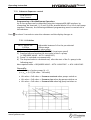
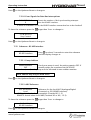
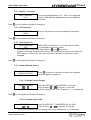
7.29.2 Delay Time
DELAY TIME
Adjustable between 0...100 Sec.
2 Sec
Delayed switch-off of the Hydrovar-Smart
in case of low water, (terminals X1/6-X1/7 opened) and also for the conveyor limit.
Press
on the Hydrovar-Smart to change to
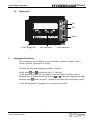
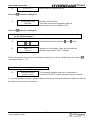
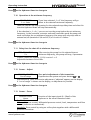
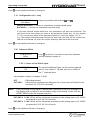
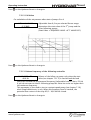
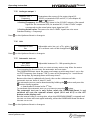
7.29.3 Automatic Error reset
ERROR – RESET
The parameter can be set OFF (no automatic reset)
OFF
or, if you want to have an automatic error reset for
5 times, a delay time of the automatic restart (0-250 sec.) has to be set.
e.g. ERROR-RESET = 5 seconds
The Inverter tries to reset the failure for 5 times, between each try to reset the
failure and restart the HYDROVAR-Smart there is a delay of 5 seconds. After 5 not
successful restarts, the Hydrovar-Smart will shut off and an error message is
shown.
The last five error signals are always stored in the Error memory 1 to 5 (main menu)
Press
on the Hydrovar-Smart to change to
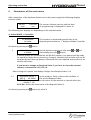
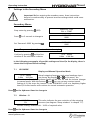
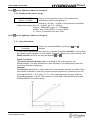
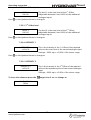
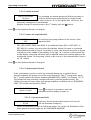
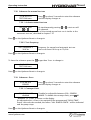
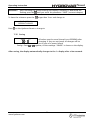
7.29.4 Erase Error memory
CLEAR ERRORS
0000
To leave the submenu press the
The error memory can be deleted by entering a
password. If you want to know that, please contact
your responsible distributor!
longer than 3 sec. to change to
S U B ME N U
ERRORS
Press
on the Hydrovar-Smart to change to
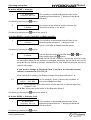
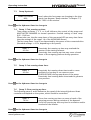
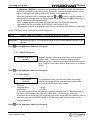
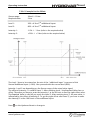
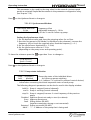
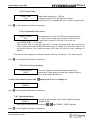
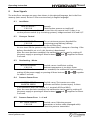
7.30 Operating Hours
OPPERATING HOURS
operating time of the control unit (Hydrovar-Smart
OOOO h.
-supply is OK)
Reset by simultaneously pressing of
+ until TIMER – RESET appears.
Press
on the Hydrovar-Smart to change to
www.hydrovar.com
37