1
ADTVision (Android) Mobile Client Software
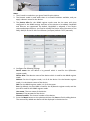
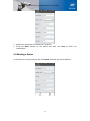
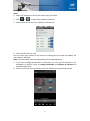
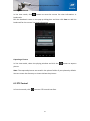
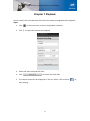
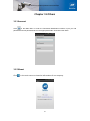
3. Click Set to finish the preset settings.
Calling a Preset
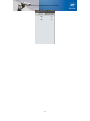
For the programmed preset, you can enter the preset number in the text box and
click Call to call it.
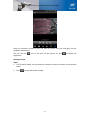
Adjusting Brightness
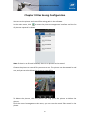
Click
to enter the brightness adjustment interface.
Move the sliding bar to adjust the adjustment according to different environmental
requirements.
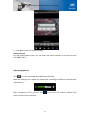
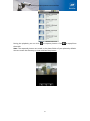
After completion of PTZ control, click
to exit the PTZ control interface and
return to the live view window.
20