1
BYTESIZE USER’S MANUAL
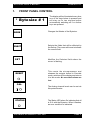
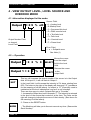
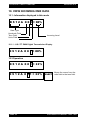
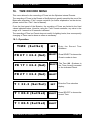
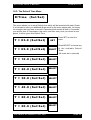
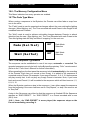
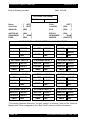
D 5 1 2 A 0 0 1 = %
D 5 1 2 A 0 0 1 = %
V E R S I O N 8.13
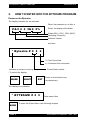
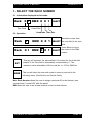
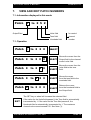
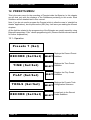
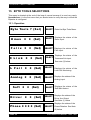
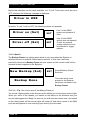
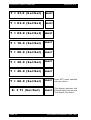
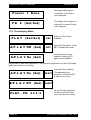
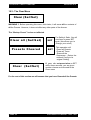
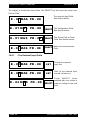
Moves the cursor
from the tens
SELECT field to the
hundreds field.
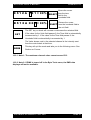
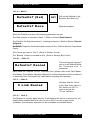
Returns the cursor
SELECT from the hundreds field to
the unit field.
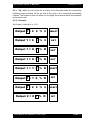
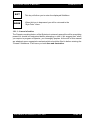
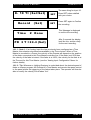
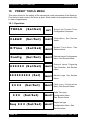
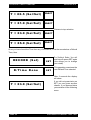
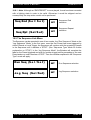
The SET key or wheel will increase or decrease the selected field.
SET
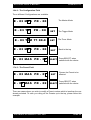
If the value for the Units field passes 9, the Tens field is automatically
incremented by 1. If the value for the Tens field passes 9, the
Hundreds field is automatically incremented by 1.
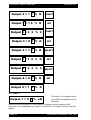
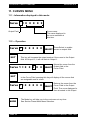
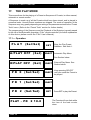
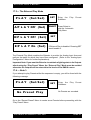
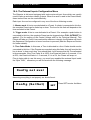
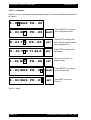
The Value shown next to the selected channel is the intensity sent
from the control desk at that time.
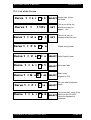
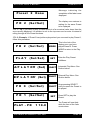
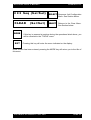
MODE
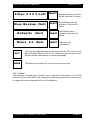
This key will quit the mode and take you to the following menu. See
Section on Curves.
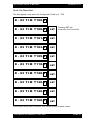
10.2.1 Note 1: The maximum channel value cannot exceed 512.
10.2.2 Note 2: If DMX is turned off in the Byte Tools menu, the DMX data
displays will not be available.
C O P Y R I G H T B Y T E C R A F T 1 9 9 2 - 2001
PAGE 21