1
NVR User Manual
①
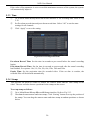
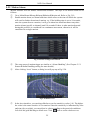
The network setups are the same as step one to step four of point 1 on WAN of IE
remote surveillance.
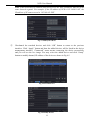
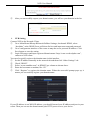
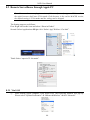
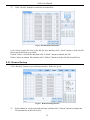
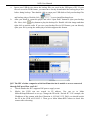
Enter WAN IP and HTTP port in the Safari browser to install the Active control. Then a
window pops up and asks for user name and password. Input name and password
correctly, and enter to view.
②
2. Connect the NVR to internet directly.
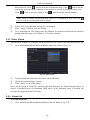
① The network setups are the same as step one of point 2 on WAN of IE remote
surveillance.
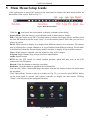
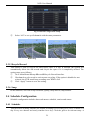
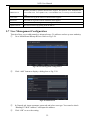
② Enter WAN IP and HTTP port or domain name in the Safari browser to install the Active
control. Then a window pops up and asks for user name and password. Input name and
password correctly, and enter to view.
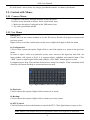
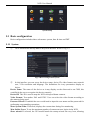
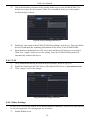
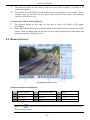
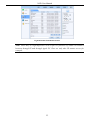
8.4 Remote Preview
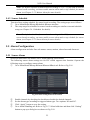
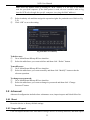
Fig 8-1 Remote Live Preview
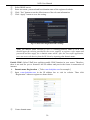
Symbol and function Definitions:
1
Channel indicator
2
Screen display mode
3
Volume
4
Snap
5
Start IE record
6
Start recording
7
Start talking
8
Playback
9
Color
10
P.T.Z control
11
Master/sub stream status
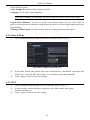
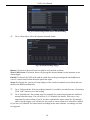
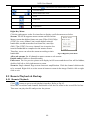
Note: Click
button to record manual and the record file will be saved in user’s PC.
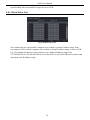
Screen display mode.
46