1
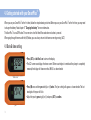
12. Manual injection mode
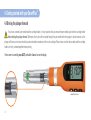
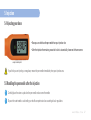
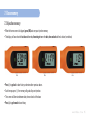
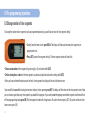
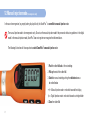
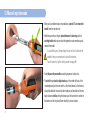
When you have removed possible air bubbles, insert the pen needle into your injection site using
the injection technique recommended by your healthcare professional.
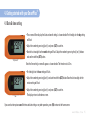
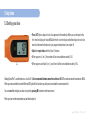
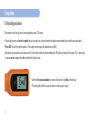
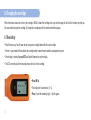
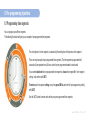
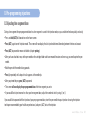
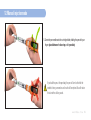
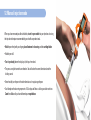
• Hold the pen firmly with your fingers placed between the dose ring and the cartridge holder.
• Hold the pen still.
• Turn the pen body (where the display is) with your free hand.
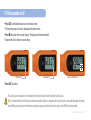
• The pen can only be turned in one direction. You will notice the correct direction due to the
clicking sound.
• Never forcibly turn the pen in the other direction as it may damage the pen.
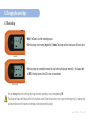
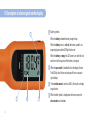
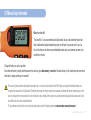
• Each dimple on the dose ring represents 1.0 U and you will hear a clicking sound for each turn.
Count the clicks until you have delivered your required dose.
www.smartplus.com.au
51