1
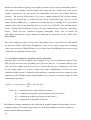
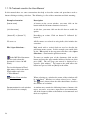
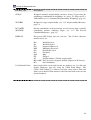
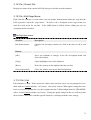
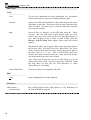
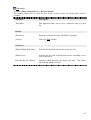
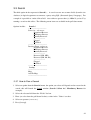
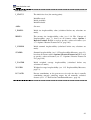
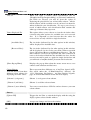
Browse Selection File window:
Buttons:
Description:
[Open]
Show Stage Memo for ‘PATH & NAME.LOG’ window (see below)
for the LOG file selected in the ‘file name’ box.
[Cancel]
Closes the window and cancels the operation.
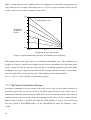
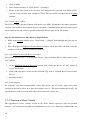
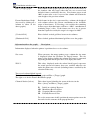
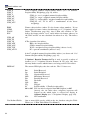
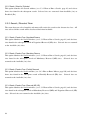
Once a LOG file has been selected in the above window the following window is displayed:
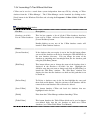
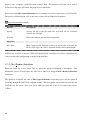
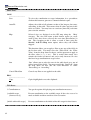
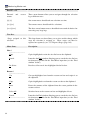
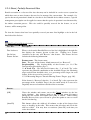
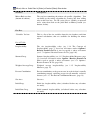
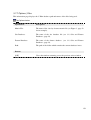
Stage Memo For ‘PATH & NAME.LOG’ window:
Buttons:
Description:
[OK]
Accepts the LOG file and loads the new configuration into C-Plan.
[Copy]
Copies highlighted text from the text box to the clipboard.
[Browse]
Returns you to the Browse Selection File window (see above) to
choose another LOG file to view/accept.
[Cancel Operation ]
Closes the window and cancels the operation.
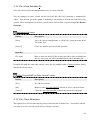
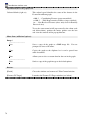
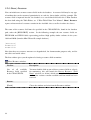
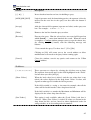
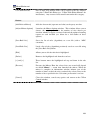
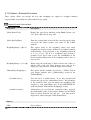
Text Box:
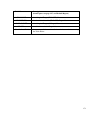
Description Memo
Date and time that the LOG file was last saved, and a description, if
one was entered.
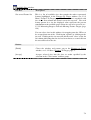
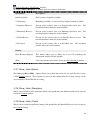
It is possible to edit the contents of the stage memo in C-Plan once the LOG file has been loaded
by selecting the menu item File | Edit Stage Memo (see 3.1.9 File | Edit Stage Memo, page 71).
67