1
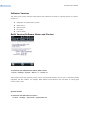
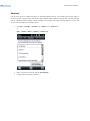
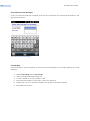
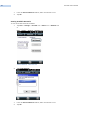
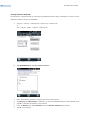
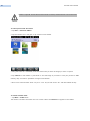
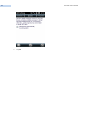
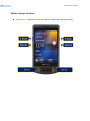
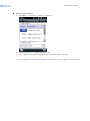
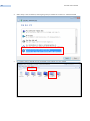
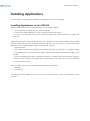
RP1300 User‟s Manual 55 Button Assign Method 1. Start Menu -> Settings -> Personal -> Buttons 2. Select a button in “1. Select a button” field. 3. In “2 Assign a program” field, select the program and press the “ok”. ※ If you assign the Virtual keyboard, select the “<Input Panel>” in the “2 Assign a program” field.