1
Section 4: Configuration
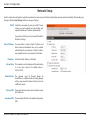
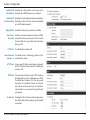
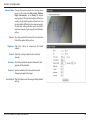
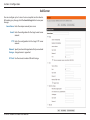
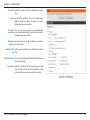
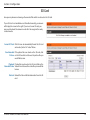
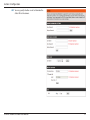
Video Quality: This limits the maximum frame rate, which can
be combined with the "Fixed quality" option to
optimize the bandwidth utilization and video
quality. If fixed bandwidth utilization is desired
regardless of the video quality, choose "Constant
bit rate" and select the desired bandwidth.
Constant bit The bps will affect the quality of the video recorded
rate: by the camera. Higher bit rates result in higher
video quality.
Fixed quality: Select the image quality level for the camera to
try to maintain. High quality levels will result in
increased bit rates.
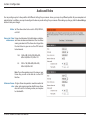
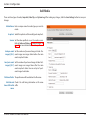
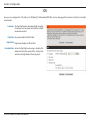
Encoding: Select the audio encoding to use with the video
stream.
Audio in off: Selecting this checkbox will mute incoming audio
(Mic).
Audio in gain This setting controls the amount of gain applied to
level: incoming audio to increase its volume.
Audio out off: Selecting this checkbox will mute outgoing audio.
Audio out This setting controls the amount of gain applied to
volume level: outgoing audio to increase its volume.
D-Link DCS-6004L/DCS-6005L User Manual
32