1
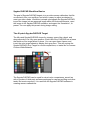
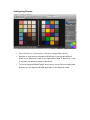
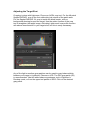
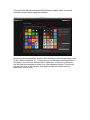
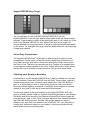
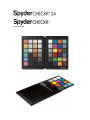
This shows the 48 patch SpyderCHECKR image upside down. It must be
oriented correctly when using the software.
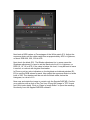
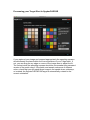
Once you have reviewed the location and orientation of the target image, click
on the "Save Calibration To..." button and your calibration corrections will be
calculated. You will have selected ACR, Lightroom, or Phocus in advance,
and will now be prompted to name your new calibration preset. This should
include the name of the camera, and might include other data, such as
lightsource or lens used.