1
In-Camera Color Balancing
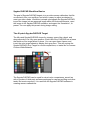
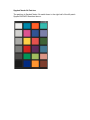
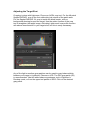
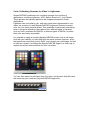
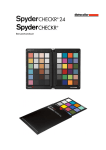
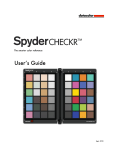
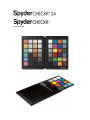
Shoot the Gray Target face of the SpyderCHECKR in your camera's White
Balance or Gray Balance mode to produce an in-camera color balance for the
lighting conditions under which you have shot the CHECKR. This will assure
that your initial view of images, quick exports to Jpg, or images downloaded
directly to the iPad will have the intended color balance, and will assist in
assuring that you do not overexpose as you shoot.
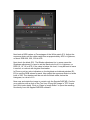
The mix of several levels of gray in the Gray Target will provide a more global
balance than shooting just one density of gray. Shooting the center section of
the Gray Target will further enhance this multi-level function.
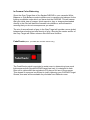
FadeCheckr (Note:
provided with 48 Patch Checkr only)
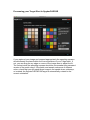
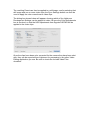
The FadeCheckr patch is provided to assist users in determining how much
light exposure their SpyderCHECKR target has had. It is designed to fade
from red to yellow after the equivalent of 30 days of full sun in the summer.
This degree of exposure is sufficient to justify replacing your CHECKR Target
Sheets; new sets will be available for purchase from Datacolor.com.