1
1
Getting Started
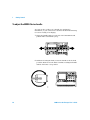
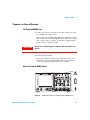
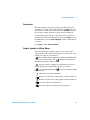
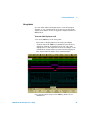
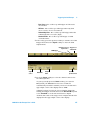
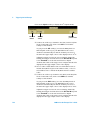
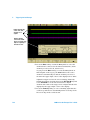
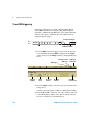
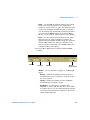
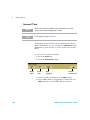
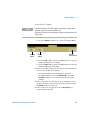
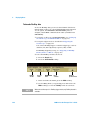
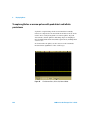
The 6000A Series Option BAT oscilloscopes are battery
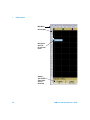
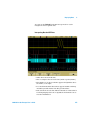
powered. They have additional LED indicators on the front
panel:
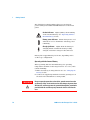
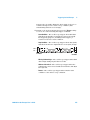
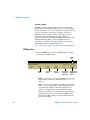
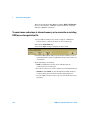
Caution indicator. Lights (amber) when running
on the internal battery. See “Operating with the
Internal Battery” below.
Battery power indicator.
Turns from green to red
when there is 15 to 20 minutes of battery power
remaining.
Charging indicator.
Lights when the battery is
charging. Turns off when the battery is fully
charged or when the charger is disconnected.
Battery life is approximately 1.75 hours, depending on the
oscilloscope configuration.
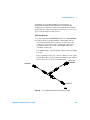
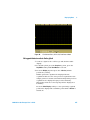
Operating with the Internal Battery
When operating with the internal battery, the operating
temperature should be in the range from -10° C to 50° C, ≤80%
relative humidity.
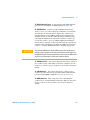
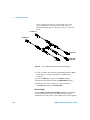
1 Make sure battery is charged before use. See “Charging the
Battery” below.
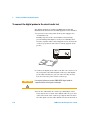
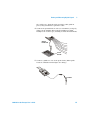
2 Connect the supplied ground wire from the ground post on
the back of the instrument to earth ground.
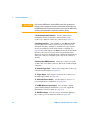
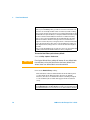
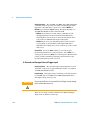
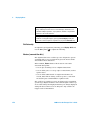
WA R N I N G
32
Do not negate the protective action of the ground connection to the
oscilloscope. If the circuit under test has the voltages of greater than
30 Vrms, the oscilloscope must be grounded through the ground wire
provided with the oscilloscope to prevent the electric shock to the
user.
6000 Series Oscilloscope User’s Guide