1
Using QAD BI, OpenEdge 10 Edition
Validate System Task Scripts
After loading custom system task scripts, you can have the system
regenerate and check all the scripts at the same time based on the data
warehouse structure.
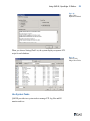
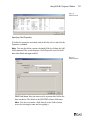
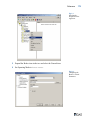
Select the System Tasks folder on the main screen directory tree, and then
choose Tools|Check Scripts.
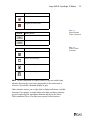
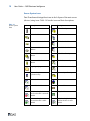
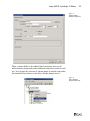
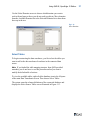
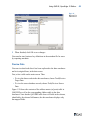
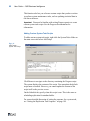
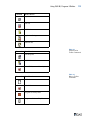
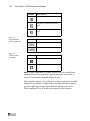
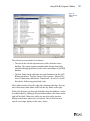
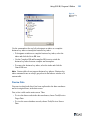
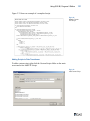
The system updates the script icons in the directory tree to show whether
they passed validation. A green triangle indicates a validated script; a
yellow exclamation point indicates a problem.
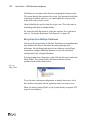
You can check an individual system task script by right-clicking the script
under the System Tasks folder, then selecting Check Scripts.
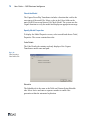
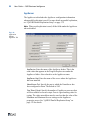
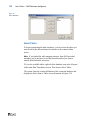
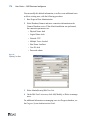
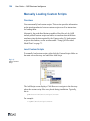
Use the Task List
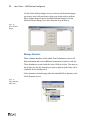
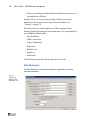
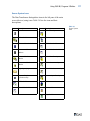
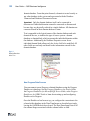
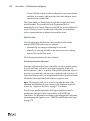
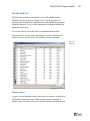
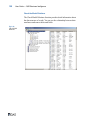
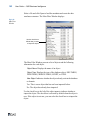
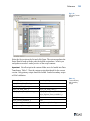
The Task List provides a consolidated view of all scheduled tasks
(whether activated or not) on a single screen. It is an alternative to
selecting each element in the application tree and scheduling it using the
Properties function. Use it to select and deselect elements scheduled for
automated replication.
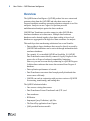
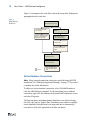
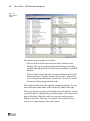
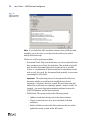
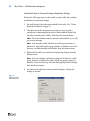
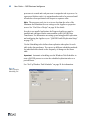
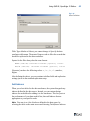
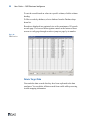
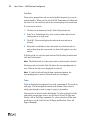
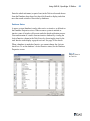
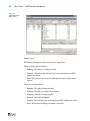
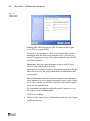
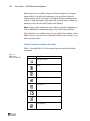
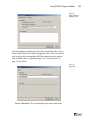
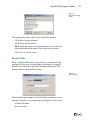
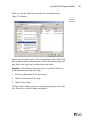
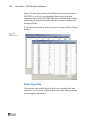
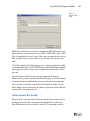
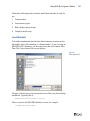
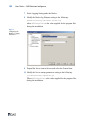
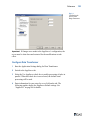
To view the task list, click the Task List command on the toolbar.
Fig. 1.38
Task List
61