1
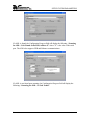
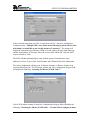
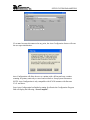
EXAMINE STATISTICS
Window Menu
The Window pull down menu consists of the 6 selections that will access 6 different
windows that are described below. The window pull down menu is also duplicated on all
of the windows that are accessible from the Window menu. Therefore direct access to any
one of these windows is available after one of the windows has been selected.
Setup System Parameters: This window is used to setup communication between
Autoware and the PC. These software configuration windows do not require
communication with the actual test instrument(s). The remote indicators on the
instruments may not light during these setups.
File Manager: This window is used to manage the setup files. You can work with files
stored in the instrument memory or in the PC memory.
Setup Test Parameters: This window is used to setup and store test parameters as well as
recall test setups from existing files.
Run Tests: This window allows you to initiate and reset tests. You will also be able to
monitor results of the test. You can also use barcode scanning and load files from this
window.
Remote Data Logging: This window primary use is to start test remotely whiles saving
test results to a file on the computer. There is no ability to start the test from this window
through the computer interface.
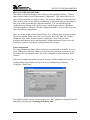
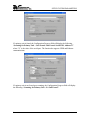
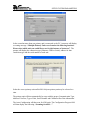
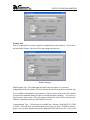
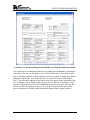
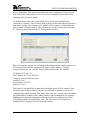
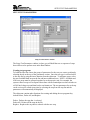
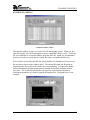
Examine Statistics: This window allows you to see actual test results and graph results by
category.
47